Forum Discussion

User name change, updating Office applications?
- Jun 27, 2018
The issue with Outlook is a "known" one, if you want the new name to be displayed you need to recreate the profile. It's actually connected to the primary SMTP, not the UPN, but same story: https://support.microsoft.com/en-us/help/3040795/smtp-address-in-user-s-profile-doesn-t-change-when-primary-email-addre
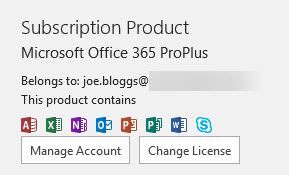
For Office activation, you can reset it as detailed here: https://blogs.technet.microsoft.com/odsupport/2015/05/01/how-to-reset-an-office-365-install-to-the-initial-activationinstall-state/


Does anyone have any guidance on how to address this with OneNote for Windows? I've successfully updated in all other programs, but my name is appearing incorrectly in OneNote for Windows. I've tried removing my work account and adding it again, but it is keeping the old name.
Thank you!
- Peter McdermottFeb 27, 2019Iron ContributorUpdate: I think I stumbled upon a resolution:
1) Remove the work/school account from OneNote
2) Close OneNote
3) Visit Apps & Settings in Windows 10 and select "Repair" for OneNote
4) Open OneNote and add account