Forum Discussion

SharePoint Online - Copy site pages between site collections - is that possible?
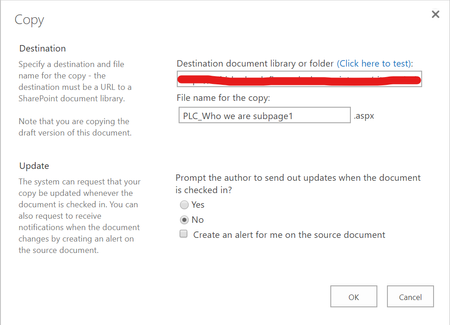

For anyone landing on this thread looking for an active workaround now that Microsoft has systematically deprecated the classic publishing and UI mode overrides: Bypassing the modern SharePoint cross-site collection page isolation block natively presents severe infrastructure and workflow bottlenecks. The standard Modern "Copy to" command remains hard-locked at the file system level to enforce site boundaries, and attempting to build complex Power Automate flows frequently drops custom web part property bags, strips advanced JSON schemas, or leaves image paths broken and pointing back to the original source.
A secure, browser-based workaround is to deploy a localized client-side utility (.sppkg) directly into your secure Tenant App Catalog. This injects a clean, automated button directly into your native Site Pages library command bar, acting as an in-tenant replication engine.
By selecting your template pages, pasting the target site collection URL, and executing, the solution serializes and clones complex layouts, multi-column grids, and web part properties in 3 seconds flat. Because it enforces 100% in-tenant isolation with zero external API calls or public CDN tracking loops, it clears strict Infosec vetting in minutes.
If your team is seeking a verified installation walk-through and wants to view the live canvas behavior, you can step through the parameters on the SharePoint Online Cross-Site Page Copier Engine Hub:
https://sharepointpackages.com/demos/copy-sharepoint-page-to-another-site-collection-demo.html