Forum Discussion

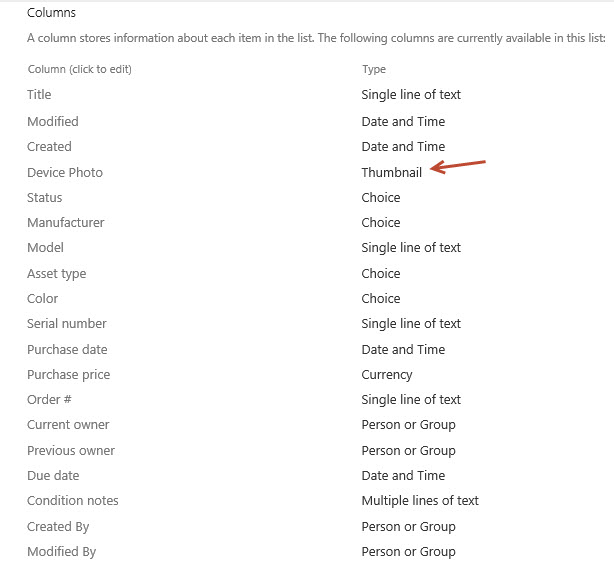
Microsoft List template Asset Manager Column type "Thumbnail"
 Sep 08, 2020
Hi all,
I found out what happened - you can see from here, the "Improve Image column" with under development, for release some time in September.
https://www.microsoft.com/en-gb/microsoft-365/roadmap?filters=&searchterms=64872
Alvin

I'm struggling with this as well. Can't find any way to set that image in the Asset Manager template. Watching this marketing video she's also doing things like editing a "Tile View" that I don't have and I also don't have the option to create a new view either. https://www.youtube.com/watch?v=plshQSoe_OY I'm guessing that maybe Lists, even though available to our users, shouldn't actually be available yet as it is maybe not ready for prime time.
I was playing with this template the other day as well and ran into the same issue. There seems to be no way to populate that column  Which it too bad as this is EXACTLY what we need right now >_<
Phill Hodgkinson Seems like we don't have the full interface yet.
By the look of it in the video she is in a "Microsoft Lists Portal Section" but currently Microsoft Lists management is only available in Teams. There is no overarching dashboard in portal.office.com
I wonder if this is functionality that we can expect to get soon or if it is functionality that has since been removed from the app?