Forum Discussion

itsmesri
May 07, 2020Brass Contributor
How to remove shared mailbox from main mailbox?
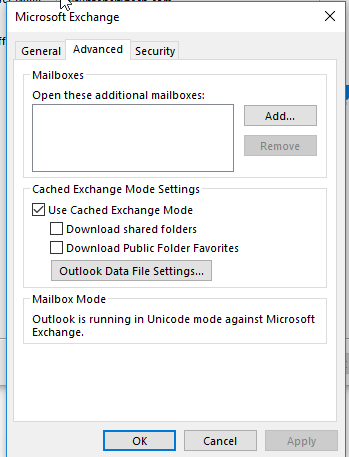
I have "info@xxx.com" and I have all permissions on it. After adding to my account to outlook "info" also coming with it. I want to remove here and add from "Account Settings". I already removed...

VasilMichev
May 08, 2020MVP
You probably have Full Access permissions with automapping configured, you need to remove/re-apply the permissions with the -Automapping switch set to $false:
Add-MailboxPermission info@domain.com -user you@domain.com -AccessLevel FullAccess -Automapping $false.
You can only do this via PowerShell, here's how to connect: https://docs.microsoft.com/en-us/powershell/exchange/exchange-online/connect-to-exchange-online-powershell/mfa-connect-to-exchange-online-powershell?view=exchange-ps