Forum Discussion

Markd68
Jan 05, 2022Copper Contributor
update cell when value changes but retain original value in cell above
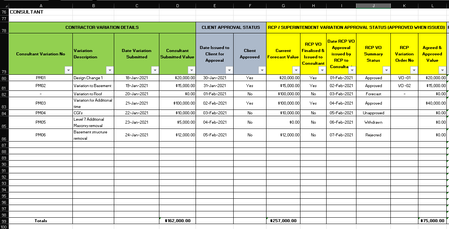
Hi everyone I have a spreadsheet where I record the value of variations but this value might change from month to month, what I want to do is the following: (please see screen shots below, I can also...

NikolinoDE
Jan 07, 2022Platinum Contributor
If I can recommend you, include your Excel version, operating system, storage medium (hard drive, OneDrive, Sharepoint, etc.), sample file (without sensitive data), and a bit of context (as you have already done) to help others answer your question.
Describe your project based on the inserted file.
In your current description, the connection between the cells is incomprehensible to me.
It could be done with VBA code or formulas as I suspect, but without the information one can only guess.
Private Sub Worksheet_Activate()
Worksheets("Consultant").Range("L99").Value = Worksheets("Project").Range("K10").Value
End Sub
Thank you for your understanding and patience
I know I don't know anything (Socrates)