Forum Discussion

mendthefabric
Sep 18, 2021Copper Contributor
Task List that transfers to Calendar
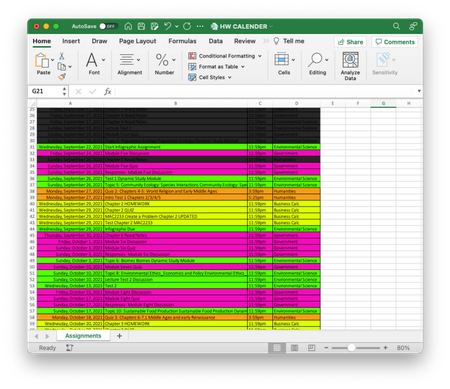
I am in college currently and am needing to be as organized as possible, in order to maintain my grades. I have very minimal knowledge of VBA, but I have created some. I will try my best to expla...
- Sep 18, 2021
mendthefabric A couple of days ago another student asked a similar question. He/she chose to work with a typical Calendar template found on-line, with a monthly and a weekly view. Though, it only marked days that something was due, but it didn't specify what. I slightly modified that template to achieve just that and could dump your assignments into the modified template. The calendar views were filled instantly. No VBA needed.
Personally, I would never use this kind of template. It's full with "features" that make it difficult to adapt to ones specific needs. So, use it as it is and don't try to tinker with it too much. Take it, or leave it, I would say.
Oh, and since you tag your posting with "Office365", I assume that your Excel version supports the FILTER function. If not, you may disregard the attached workbook.


jamilla1095
Feb 28, 2024Copper Contributor
I wonder is there a way of adding a year view added to the template that works in the same way as the month view and week view?

peiyezhu
Feb 28, 2024Bronze Contributor
I convert excel sheet to .ics and import .ics file to android smartphone calendar which has both month and year view