Forum Discussion

Stop the Auto-Fill in Excel - Existing solutions not working
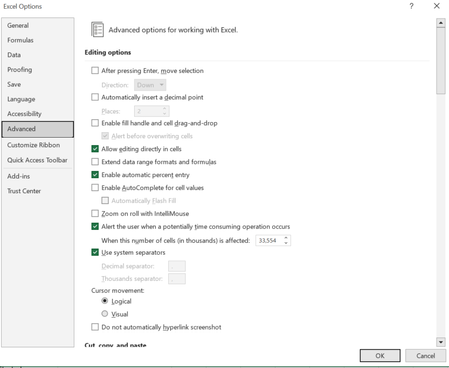

"when I try to delete the pre-filled data, it doesn't go away, unless I delete all the pre-filled data + my original cell that needs the formula."
Based on that description alone, I'm guessing the formula you've used has returned multiple results in a "spilled" array. When selected, does a faint blue border automatically appear around the entire range of results? Is the formula greyed out in the formula bar for every cell in the range, with the exception of the first cell? If so, then this is what's referred to as a "dynamic array" formula. The results are spilled automatically in the worksheet, and the formula can only be edited in the first cell.
To assist you further, please share the formula you're attempting and/or a screenshot of the results. Thank you.