Forum Discussion

Excel
Nov 18, 2021Iron Contributor
Question related to Sort
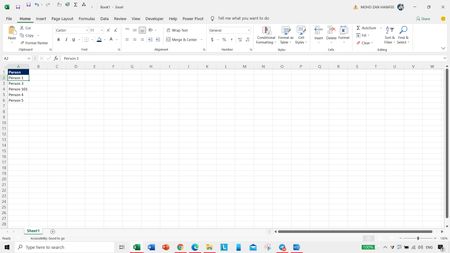
Hello Everyone, This is my data like - After sorting, it will come like this - I want to come like this : Person 1, Person 3, Person 4, Person 5, Person 101 So, what should ...

OliverScheurich
Nov 18, 2021Gold Contributor
In your example "Person 1" is in cell A2. You can manually enter "1" in cell B2 and then flashfill range B2:B6. Flashfill can be done by pressing ctrl+E when cursor is in cell B3 in this example.
Then you can apply sort of range A2:B6 in ascending order by column B as shown in attached pdf file.