Forum Discussion

Project or Library Not Found
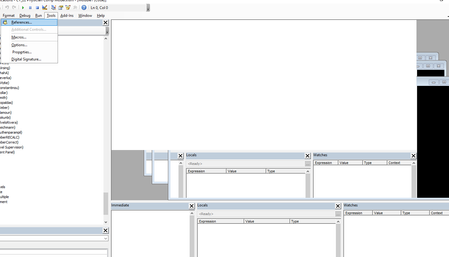

I'm not an expert, but it could come from Excel Online.
If someone opens this in Sharepoint/web/OneDrive/hard drive in Excel Online and then saves it and makes it available to everyone again, all the macros are no longer available.
Since Excel Online doesn't recognize VBA, it removes that as well.
Sometimes it also happens through the preview window in sharepoint or web, where some user does it automatically click and the file opens...with the indicated problem, in your sent image. Perhaps someone is working with Excel for the web and is causing this unknowingly.
Something like this could also be caused by team use, since when sharing the Excel file, the team perceives and edits the file as Excel Online.
As I said, I'm not an expert and all of this is without guarantee :).
Hope that helped maybe...if not please just ignore
I know I don't know anything (Socrates)
 VeeExcelLearnJun 07, 2022Brass ContributorThis file is not online. Its in the desktop. Unfortunately that is not the issue..I read so many forums and tried to resolve this but cannot. This happens to us once a month and its really making excel unreliable for us. I hope there is some sort of a solution.
- NikolinoDEJun 07, 2022Platinum ContributorThe file does not have to be online, it just has to be opened and saved again with Excel for Web.