Forum Discussion

Jazlyn_Elsie
Feb 04, 2023Copper Contributor
Possible conditional formatting solution??
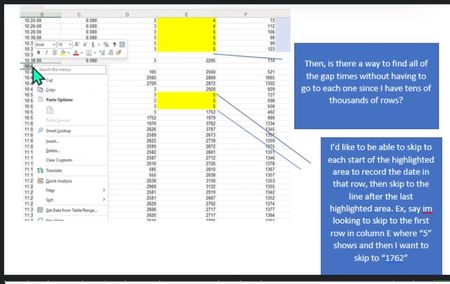
Hi, I’m working with data that has time intervals, temperature, and other values in the columns. Whenever the temp hits a specific value, I have done conditional formatting highlight it so then I...

OliverScheurich
Feb 05, 2023Gold Contributor
=AND(E2<>"",E2<10)In the example i've assumed that this is the rule for conditional formatting.
=FILTER(B2:B18,(E2:E18=""))This is the FILTER function in cell G2 that selects all times if the corresponding cell in column E is blank.
=IF(OR(AND(AND(E2<>"",E2<10)=TRUE,AND(E1<>"",E1<10)=FALSE),AND(NOT(ISBLANK(E2)),AND(E2<>"",E2<10)=FALSE,AND(E1<>"",E1<10)=TRUE)),1,"")This is the formula in cell H2 in the example which returns "1" if the condition is true. You can then select cell H2 and skip down to all cells that contain "1" with ctrl and arrow down.
=FILTER(B2:B18,(E2:E18<>"")*(E2:E18<10)*((E1:E17>=10)+(E1:E17="")))This FILTER function records all times at the beginning of a conditionally formatted range.

jazzyelsie
Feb 13, 2023Tin Contributor