Forum Discussion

Please help! Tangled up in a nested IF formula for DnD!
- Jan 27, 2020Is there a reason why this has to be a SINGLE formula?
I'd be surprised if there's any Excel manual out there that recommends writing formulas this long.
I KNOW that there are Excel manuals that warn AGAINST writing formulas this long.
It might be fun when it works, but as you've encountered here, formulas this long are opportunities for Orcs and all other kinds of creatures to get in and make mischief.
A suggestion: assuming each section (i.e., each INDEX section) works independently, and effectively, give each of them a cell of their own; and then use IF or CHOOSE based on race to go pick whichever of those cells is appropriate. Another way to describe this recommendation: use helper columns to break up a nearly unintelligible formula into discrete sections, and then extract the one you want.



Why does your formula start with an "@"?
Are you porting a workbook from an old version of Excel 365? If so, changes are meant to be backward compatible and errors should be reported to Microsoft.
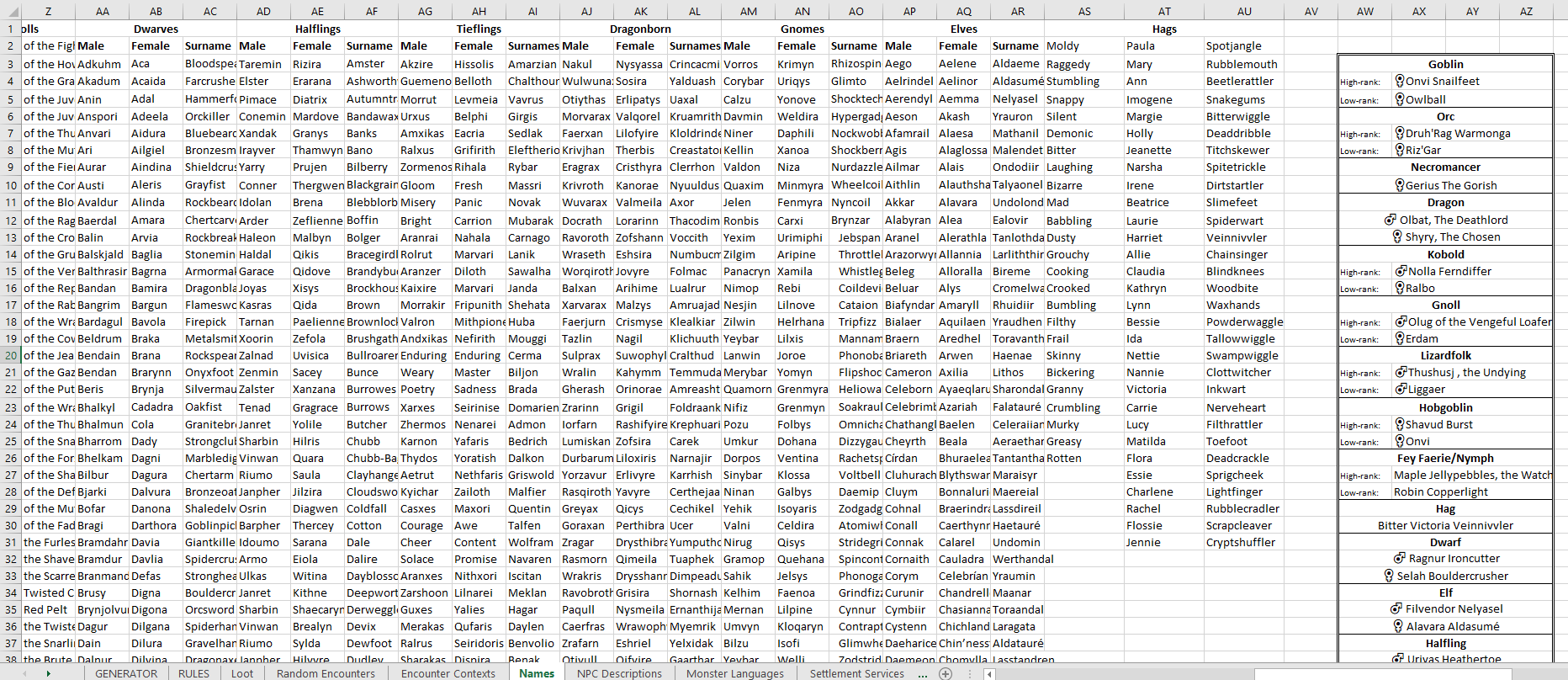
If you are using Office 365 other options become possible. The attached shows a version of data with some rearrangement. Then I have used XLOOKUP to return a name corresponding to the given species where 'gender' is a randomly chosen ±1 (search from start or search from end). A unique instance will be returned either way.

The formulas, using both IF and INDEX, keep correcting themselves, unprompted, to include an @ at the beginning. The first time it happened, there was a little pop up drawing attention to it and saying something along the lines of 'you may notice an @ sign appearing in your formulas, don't worry'.
Thank you so much for your help and having a go at solving my problem for me - I was toying around with the LOOKUP functions so for you to have given me an example is ideal. Thanks a lot!
- PeterBartholomew1Jan 29, 2020Silver Contributor
I have attached an Office 365 work file in the hope that it might work under your copy of Office. The mockup of your data appears as a (blue bordered) table because I used Power Query to normalise it. The output is the green-bordered table. on the next sheet.
The XLOOKUP returns the first or last instance of matched records depending on the (random) setting of 'gender'.