Forum Discussion

scott6666667
Feb 19, 2025Copper Contributor
#NAME? error continues to appear
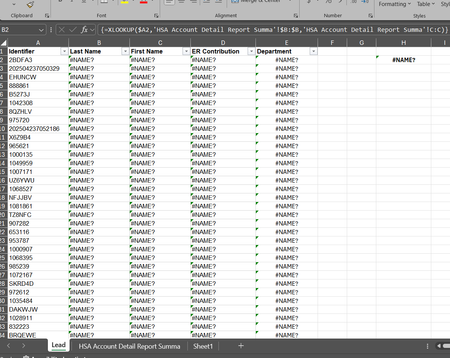
I am constantly getting #NAME? error on files that appear to have correct formulas. This generally happens if I work on a file in the browser and then open it in excel. Example below shows an xlookup...

Harun24HR
Feb 19, 2025Silver Contributor
Why you are entering the formula as array formula? XLOOKUP() doesn't need to enter as array. Can you share a sample file so that we can closely look into your problem?

scott6666667
Feb 19, 2025Copper Contributor
I dont enter it as an array. Its being changed to that after I open in excel after the browser version. Unfortunately I updated the formulas in that file so I dont have it as an example to share but here is another file with something similar. I dont include the @ in the formula but its being added when the file is downloaded or opened in excel. The formulas is fine in the browser. Sorry its not letting me upload the file.