Forum Discussion

multi tab function
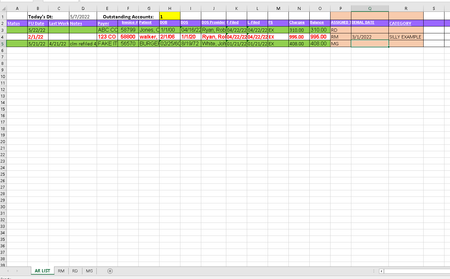

Another option may be to use a query. Though, I think you may need a separate query for each individual. Also, the process will convert your table to an actual structured table.
Select your table, then click on the data tab and "from table" (this is where it is for me, but I don't know if it may be different for you depending on your excel version).
This should open the power query editor. It will automatically format the dates as date/time. You can keep them as just dates by selecting the "Changed Type" step, then the expand arrow on the formula bar and change the "datetime" types to just "date". Also, you could change the name of the query accordingly (let's say "RD").
Then, click the filter arrow for the "Assigned To" column and select the initials (let's say "RD"). Then, click on the Home tab, click and load to (click the bottom part of the button to show the menu and you'll see 'click and load to').
From the dialog, select "Existing Worksheet" and click on the refedit button, then use the mouse to select your RD worksheet and the cell where you want the table to be created. And load.
Then, after you add items to your master table, you can click on the data tab, and Refresh All to refresh the queries.