Forum Discussion

Issue with Find & Replace feature - can only find and replace with in formulas not values
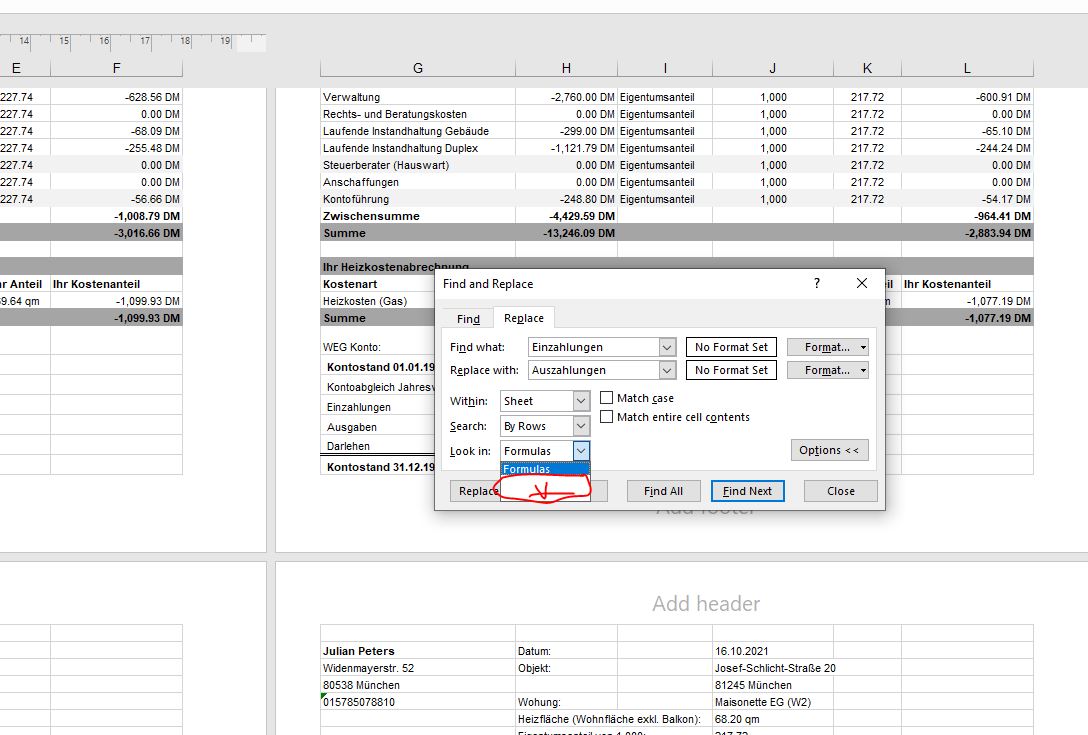

In the Find tab of the Find and Replace dialog (1. in the screenshot), you can select Formulas, Values or Comments. But in the Replace tab (2. in the screenshot), you can only select Formulas.
For cells that contain fixed values, the effect is the same as if you could select Values.
But for cells that contain formulas, it would not make sense to be able to select Values: the value of such a cell is a result of the formula, you cannot replace it with something else.

For anyone looking to solve this issue. This is what I did. I copied all the data and pasted it into a new workbook. The trick is you have to paste only the values. Click the down arrow on the Paste button and select the first option under "Paste values". This will remove all your formulas and the replace will work. I agree this should be fixed as it's such a illogical way to work.