Forum Discussion

Is it possible to do this?
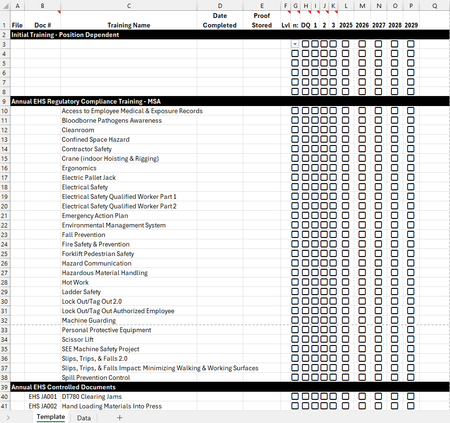

Yes—Excel can reproduce both behaviors, but the rules must test cells’ underlying values, not displayed icons. For the Level range, select the data cells, choose Home > Conditional Formatting > New Rule > Use a formula, and enter =$F2="Assigned"; set a red fill and adjust F and the first row to your sheet. If the icon is an inserted picture, keep “Assigned” in the cell or a helper cell and base the rule there. For Date Completed, select its range and create one rule per checkbox: =$G2=TRUE for light brown, =$H2=TRUE for gray, and =$I2=TRUE for red. Put rules in the intended priority and use Stop If True if only one color should win. Modern in-cell checkboxes return TRUE/FALSE; older Form Control checkboxes must first be linked to helper cells. Duplicate the completed template sheet so every employee tab inherits the validation and formatting.