Forum Discussion

PapaJiOfficial
Feb 16, 2022Copper Contributor
IFS Function not working on newest Excel 365 and MacOS
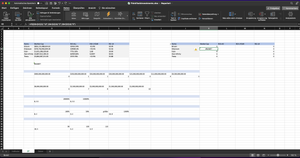
I am trying to include a IFS Function on my Sheet but it only shows #NAME? I tried changing the ; to , but that didn't work too. I included a screenshot

allysharp
Feb 17, 2022Copper Contributor
PapaJiOfficial If you go to Formulas - Show Formulas and also Trace Dependents do you see anything that could be causing a conflict in these cells? Are any of them having unexpected formatting (General instead of Number?)

PapaJiOfficial
Feb 17, 2022Copper Contributor
allysharp SergeiBaklan The formulas look ok but when I input the IFS Function, it only shows wrong solutions. As seen in the screenshots in this message