Forum Discussion

How to make excel add or remove rows to fit data and prevent spill error?
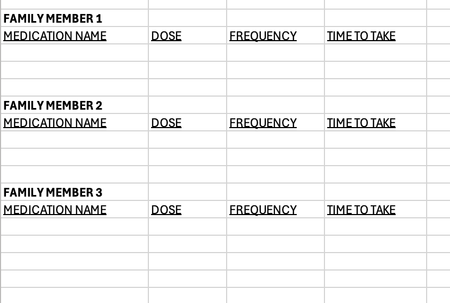

I think I understand what you recommend but I honestly think it may be beyond my skill level. I figured I could start with a simple medication spreadsheet like I described and then apply it to other sheets I want to make in the future. However, it may be more useful to send a link to the more detailed document I want to use it for in the future. I want the same concept applied to a drug calculator I made. The goal with the drug calculator document is to have the source sheet auto calculate drug doses based on body weight for all listed drugs, and then only check the checkbox for which drugs I want to use. Id want it to auto populate (ie. copy, not move) only the data from drugs with a checked checkbox to the destination sheet.
I started in excel but would rather use google sheets if that's possible since the visual aspect is more appealing (particularly for drop-downs and such). As I look at the document as it's open in google sheets it actually may technically still be an excel file that is just being viewed through google sheets (as I see an option to 'save as a google sheet).
I can share the google sheet with google drive. I will attach the link to this post. Please let me know if this doesn't work and I can try another way. This is my first time using this forum. Thank you for your help thus far!
https://docs.google.com/spreadsheets/d/1WAXP3MKxWQHsVneUi1T4szUaMMgRKJtY/edit?usp=sharing&ouid=100832197379530262125&rtpof=true&sd=true
I added the link to the doc and a couple different people requested access but I have not heard anything back from them regarding my sheet.. Would you be able to help me with this?