Forum Discussion

HELP with my football league fixtures
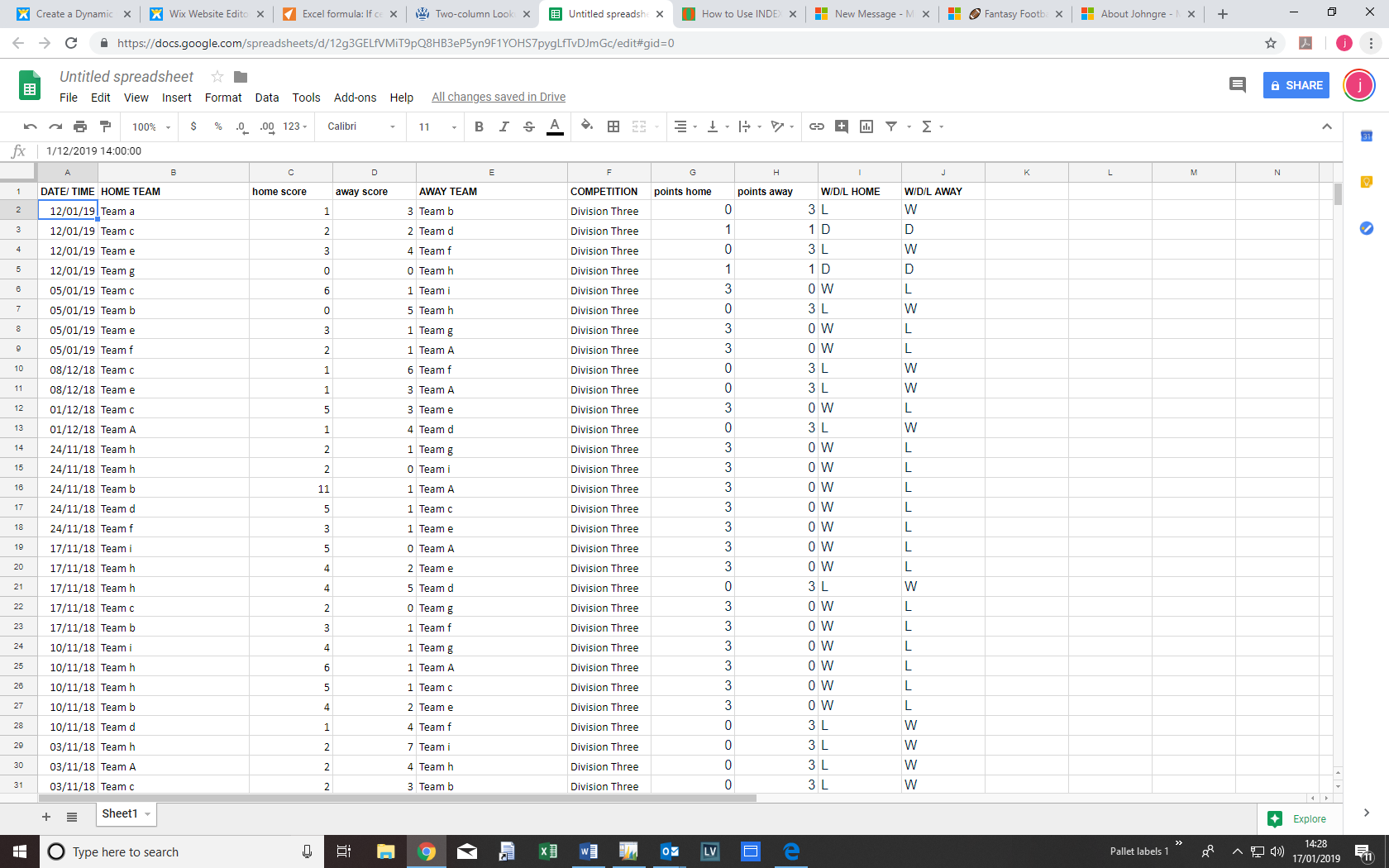
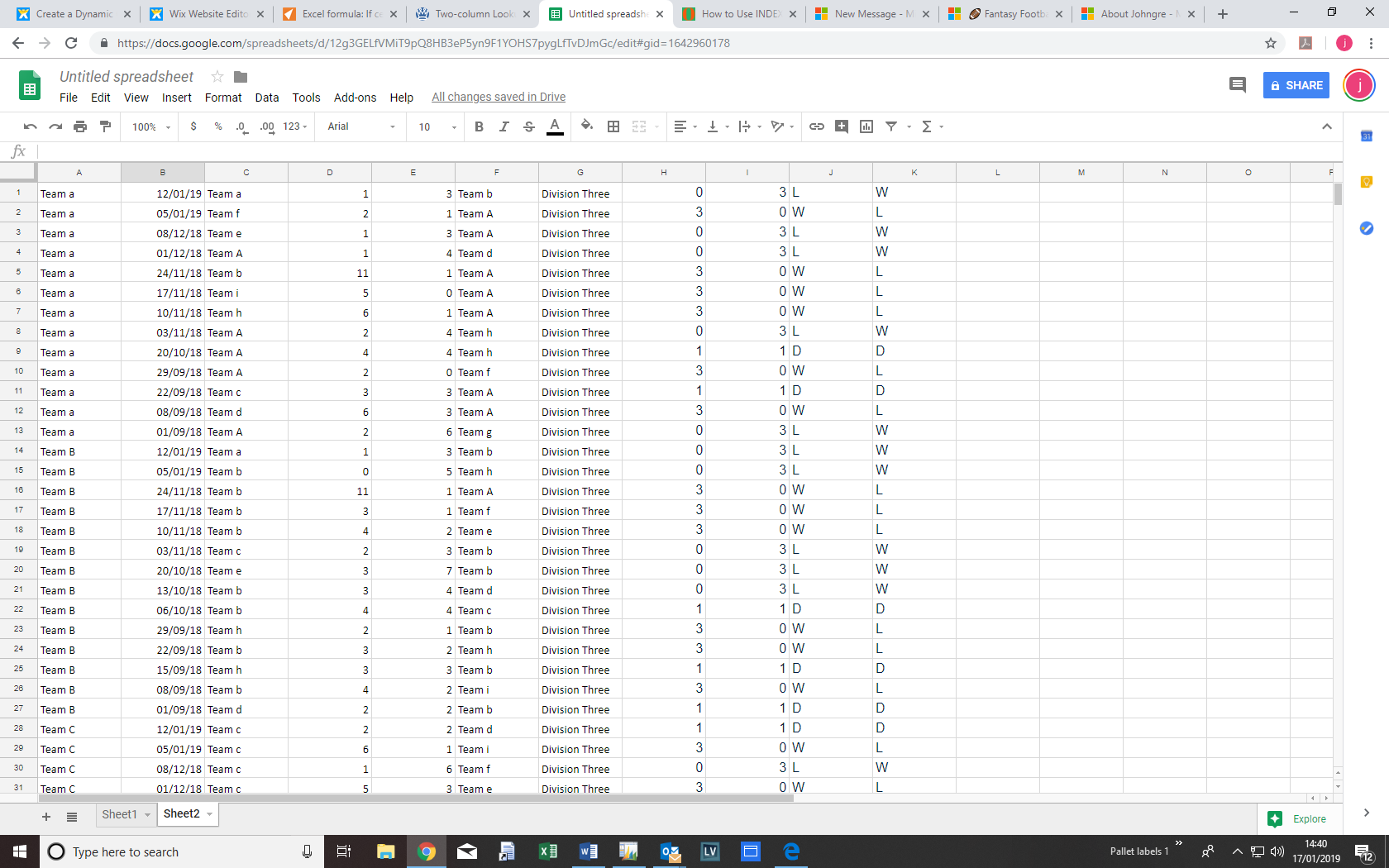

To auto-fill the fixtures for a specific team on another sheet, you can use the VLOOKUP function in Excel. Create a table on the second sheet with the desired format for the fixtures and enter the team names in the first column. In the second column, use the VLOOKUP function to retrieve the fixtures for each team by referencing the range of the table containing all the fixtures on the first sheet. Adjust the column numbers and range as per your data. Drag the formula down to auto-fill the fixtures for all the teams. This will allow you to have the fixtures in the desired format on the second sheet, which can be linked to your website. Additionally, if you're looking to incorporate football fixtures, you can consider using FIFA Mobile Unlimited Coins as a source for the fixtures data.