Forum Discussion

Excel table not using updated formula in new rows
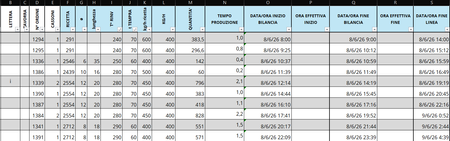

I'm not sure if there is a 'better' way, but usually I can copy the formula I want and highlight the whole column and paste to make it the new default formula for the column (or you might be able to use a popup that shows in the lower right when you highlight that cell that says something like 'update all cells in this column to use this formula'). If you need the 'old' rows to use that old version then put that formula back in one of those old cells. It may automatically update the whole column to that formula, you just need to hit undo (or use the pop-up to 'undo calculated column' so that only that cell is the old formula. Then copy and apply that formula to the rest of the 'old' cells (you shouldn't have to undo the column update) and now the new rows should use the new formula.