Forum Discussion

Excel header width problem
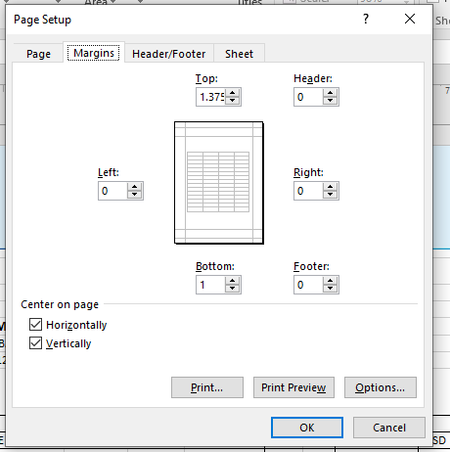

In addition, to the point made by Mr. Martin Weiß and with everyone's permission, I would like to add these additional options.
Maybe there is a space in some cell somewhere on these blank pages.
Activate the worksheet that you want to print out.
Press "CTRL + END" to jump to the cell that Excel recognizes as the last used.
When that last cell is well below your contents, highlight the rows from the active last cell to the end of your data.
Press the key combination "CTRL + MINUS" to delete these cells completely.
Now you can print the worksheet without wasting paper.
Set or clear a print area on a worksheet (normally this shouldn't be necessary)
If you print a specific selection on a worksheet frequently, you can define a print area that includes just that selection. A print area is one or more ranges of cells that you designate to print when you don't want to print the entire worksheet. When you print a worksheet after defining a print area, only the print area is printed. You can add cells to expand the print area as needed, and you can clear the print area to print the entire worksheet.
A worksheet can have multiple print areas. Each print area will print as a separate page.
Thank you for your understanding and patience
I know I don't know anything (Socrates)
