Forum Discussion

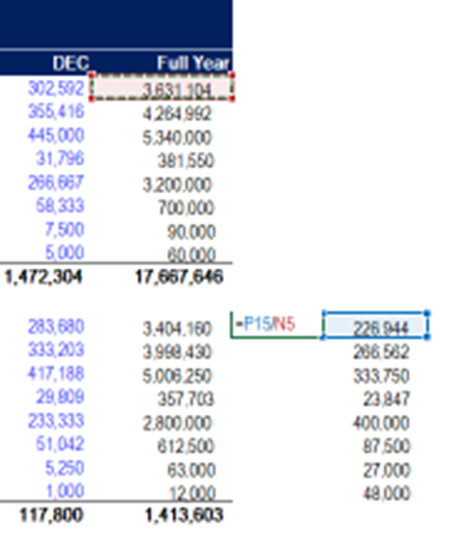
Division formula returns 0 value
- Jun 17, 2022
The chances are that the format of the formula cells is set to show zero decimal places and if you copy the formula cell and paste it as a value you will get the actual underlying value or use a formula =VALUE(<reference to the formula cell>) and it will return the actual value. To deal with this scenario, increase the decimal places to do so custom format the formula cells as Numbers and increase the decimal places.

The chances are that the format of the formula cells is set to show zero decimal places and if you copy the formula cell and paste it as a value you will get the actual underlying value or use a formula =VALUE(<reference to the formula cell>) and it will return the actual value. To deal with this scenario, increase the decimal places to do so custom format the formula cells as Numbers and increase the decimal places.
 fltiiMar 27, 2024Copper Contributor
Subodh_Tiwari_sktneer -- i tried that solution of the decimal places prior to finding this thread and division, now 11/60 is showing as 0.00
why is it not dividing properly?
please provide a solution
- SergeiBaklanMar 27, 2024Diamond Contributor
 iwardaJun 17, 2022Copper ContributorWow that was it!!! Thank you so much. I was going crazy trying to figure that out. You're a life saver!
- Subodh_Tiwari_sktneerJun 18, 2022Silver Contributor
You're welcome iwarda! Glad I could help.
