Forum Discussion

lukebriggs
Oct 24, 2024Copper Contributor
Divide and display value if in appropriate tax year
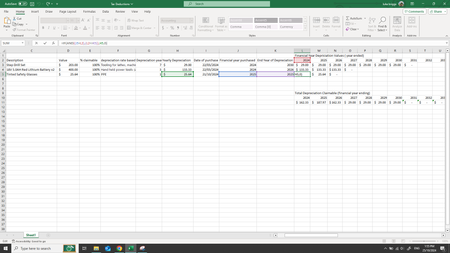
I am trying to make a sheet that will work out a depreciation for a set of tools for each financial year given depreciation of a given number of years for each tool. I want to go along a row and che...

lukebriggs
Oct 26, 2024Copper Contributor
Ok, so the answer is that using the reference $A$1 to instead of A1 in a formula will stop it from updating to B1 as you drag the formula to the next cell to the right.
This is probably already covered in other questions elsewhere.
- lukebriggsOct 26, 2024Copper ContributorIt also works with just fixing the column as in $A1 or jst the row as in A$1.
therefore starting at L3 my formula was =IF(AND($J3<=L$2,L$2<=$K3),$H3,0)
and simply dragging it over the entire field updated all the cells correctly.