Forum Discussion

Conference Room Reservation Program - 7 pm is not showing for some cells. Thank you.
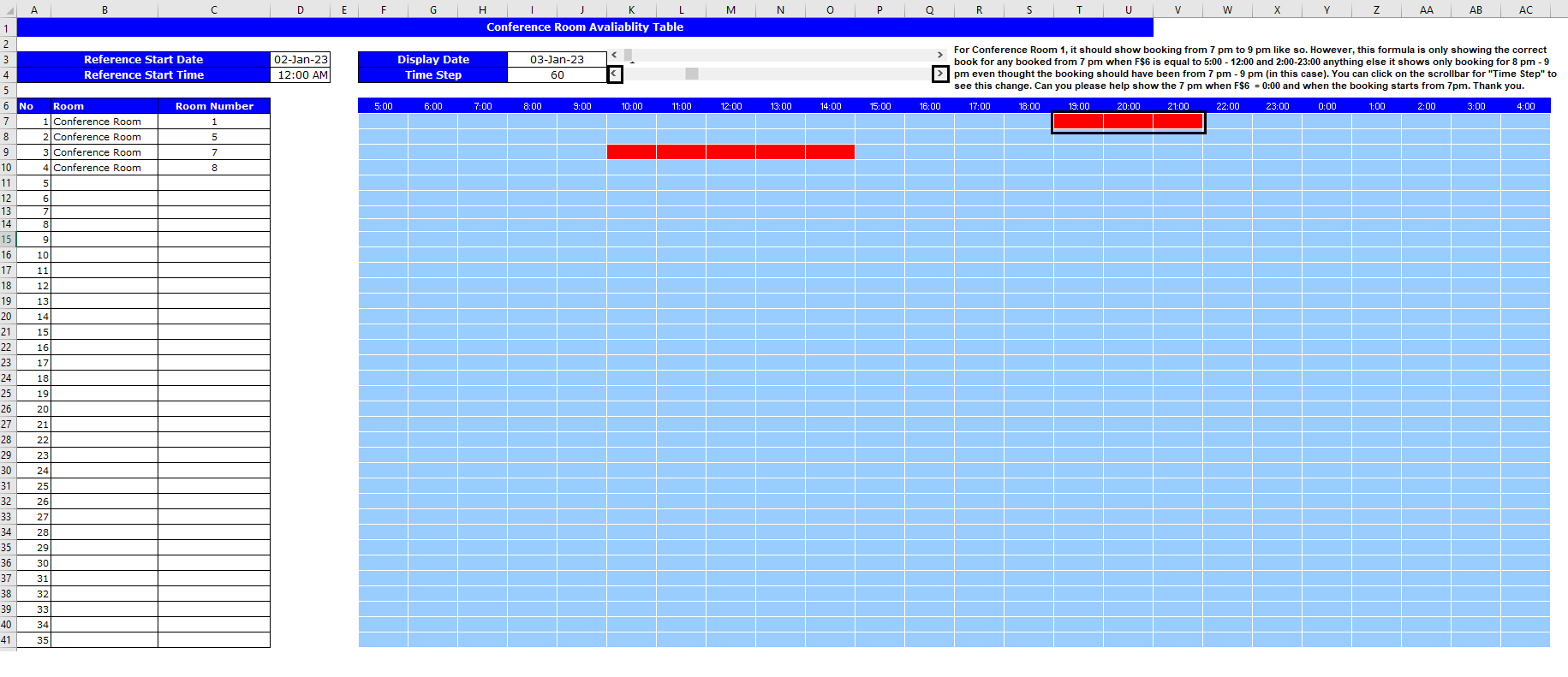

The problem clearly has something to do with the fact that you're specifying exact boundaries on the start and end times, but the math involved in all the related calculations is not uniformly as exact at that level. All I have to do to get it to show 7 p.m as the start time is change the entry in the tab Conference Room Reservation to 6:59 p.m. (18:59) and it displays with the meeting starting at 7:00. Similarly, if I end that reservation at 20:00, it shows it running to 9 p.m., but if I change the ending time to 19:59 it shows as ending at 8:00 p.m.
My hypothesis is that the fraction that represents minutes--it IS a fraction--gets rounded in a such a way that your very precise boundary specs for start and finish in the graphic display are on the "wrong side" of that line. It could also be the formulas that calculate the numbers in row 6 of the "Availability" tab, numbers that you then use as the basis for comparison in the SUMPRODUCT formula.
My suggestion, therefore: consider building a "fudge factor" into your formulas such that you still enter 19:00 for a start but it gets handled "as if" it's one minute earlier; similarly, the end time gets entered as 21:00 but is handled "as if" it's one minute earlier. OR revise the formulas in the conditional formatting rules to allow for a fudge factor of one minute on either side of the stated start and finish times.