Forum Discussion

eclark1GATelesis
Jan 16, 2025Copper Contributor
Conditional Formatting with 4 Conditions
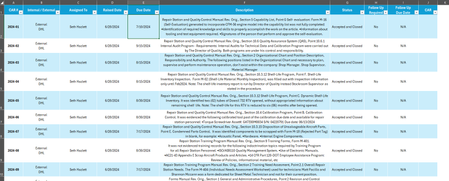
Hello! I am trying to get condition formatting to change the color of the row in my table based on values in 4 different columns. My goal is if the date in Column E is <=TODAY() and Column G = "In Wo...

HansVogelaar
Jan 16, 2025MVP
Let's say you want to format A2:J100. Select this range. A2 should be the active cell in the selection.
On the Home tab of the ribbon, click Conditional Formatting > New Rule...
Select 'Use a formula to determine which cells to format'.
Enter the formula
=AND($E2<=TODAY(), $G2="In Work", $I2<=TODAY(), $H2="Yes")
Click Format...
Activate the Fill tab.
Select red as fill color.
Click OK, then click OK again.