Forum Discussion

Shaun1391
Dec 20, 2023Copper Contributor
Condition Format Row
Hi All, Looking for some help with conditional formatting. I have data currently in Columns B-T and I'm looking to try and highlight a row when a specific value is met or exceeded in Column R. ...

Shaun1391
Dec 20, 2023Copper Contributor
HansVogelaar Thanks for this. It worked perfectly!
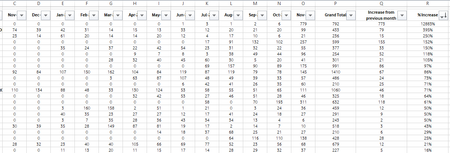
I just added =$R3:R63 on both to include the entire data range to save having to repeat this for every row that exceeded or decreased.
I guess the next question is how do I restrict the colour just to the Columns that have data in. So Colum B-T only, as currently the colour now covers the entire row including cells after Column T
I just added =$R3:R63 on both to include the entire data range to save having to repeat this for every row that exceeded or decreased.
I guess the next question is how do I restrict the colour just to the Columns that have data in. So Colum B-T only, as currently the colour now covers the entire row including cells after Column T

HansVogelaar
Dec 20, 2023MVP
The formula =$R3>=20% should be sufficient. Since there is no $ before the row number, Excel will adjust the row number dynamically when it applies the rule.
Click Conditional Formatting > Manage Rules... on the Home tab of the ribbon.
Select a rule.
The 'Applies to' box will contain something like
=$3:$100
Change that to specify the columns:
=$B$3:$T$100
Click OK.
Do he same for the other rule.