Forum Discussion

Appending all data of tabs into a master excel
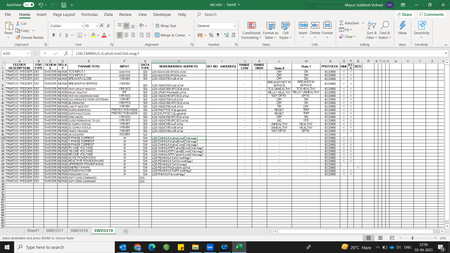

You can try using Flash Fill instead of the split cell button.
Flash Fill is a feature in Excel that automatically fills in values for you based on patterns it recognizes in your data.
To turn Flash Fill on, go to Tools -> Options -> Advanced -> Editing Options -> check the Automatically Flash Fill box.
Here’s how you can use Flash Fill to split data into two columns:
- Type the data into two separate columns next to each other.
- In the column next to the data you want to split, start typing the new data format.
- Excel will automatically recognize what you’re trying to do and fill in the rest of the column.
I hope that helps!
I know I don't know anything (Socrates)

We dont want to type.
We want the data to be populated automatically just on click of one button.
Please go through my original post again.
Regards,
Mayuri
- NikolinoDEApr 04, 2023Platinum Contributor
I'm a simple user like you, every contribution from me is on a voluntary basis and without guarantee. It's called helping people to help themselves. I only gave you a suggested solution, if you don't like it, please just ignore it. Or you can open a new request. Please just keep in mind that since yesterday your message has been seen by over 50 people and only I have replied.
Therefore, if I may recommend you, insert a file (without sensitive data) and describe your project step by step (cell by cell). A little more information about the Excel version, operating system, storage medium, etc. would be beneficial.
Anyway, I wish you continued success with Excel.Thank you for your understanding and patience
I know I don't know anything (Socrates)