Forum Discussion

Alternative formulas for expanding a column of row thunks.
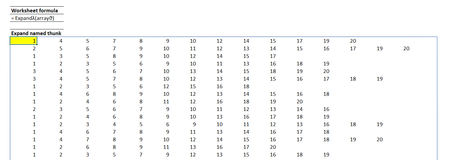
- May 08, 2022
Second variant is much faster. 200x90 array
Second variant gives approximately the same time on 1400x900 array
I tested on =SEQUENCE( n, m ) array and on slow PC.
First variant works on per-element basis, second one with arrays loaded into memory as one object. My guess.

Thanks for that. It confirms my observations.
Apart from being slower, the first solution is growing as O(n²), so even at a couple of hundred rows it is passing into the unusable zone. The REDUCE and VSTACK should be good for over 1000 rows. Sad, because I liked the first solution.
I think that removing the nested arrays constraint should be rising to the top of the 'to-do' list. If not universally through Excel, at least for BYROW and BYCOL which should be able to stack arrays just like VSTACK and HSTACK.

In addition I tried to compare your second variant (sortRowsA below) with simple by row number iteration:
fnRow=LAMBDA( x, SORT( UNIQUE(x,1),,,1) );

sortRowsA=LAMBDA( array, fn,
    LET(
        fakeVector, LAMBDA( vector, LAMBDA(vector) ),
        setRow, LAMBDA(x, fakeVector(fn(x))),
        set2D,  BYROW( array, setRow  ),
    DROP(
        REDUCE( 1 , set2D, LAMBDA(a, v, VSTACK(a, v()) )
    ), 1)
));

sortRowsB=LAMBDA(array, fn,
REDUCE(
    "",
    SEQUENCE(ROWS(array)),
    LAMBDA(a, k,
        IF(
            SEQUENCE(k) = k,
            fn( INDEX(array, k, ) ),
            a
        )   )  )
);
On the same array average time of calculation
varA - 773 ms
varB - 1303 ms (i.e. two times slowly)
To compare, Solution 1 on the same array gives 57070 ms (or 57 sec) in average. That is huge difference.