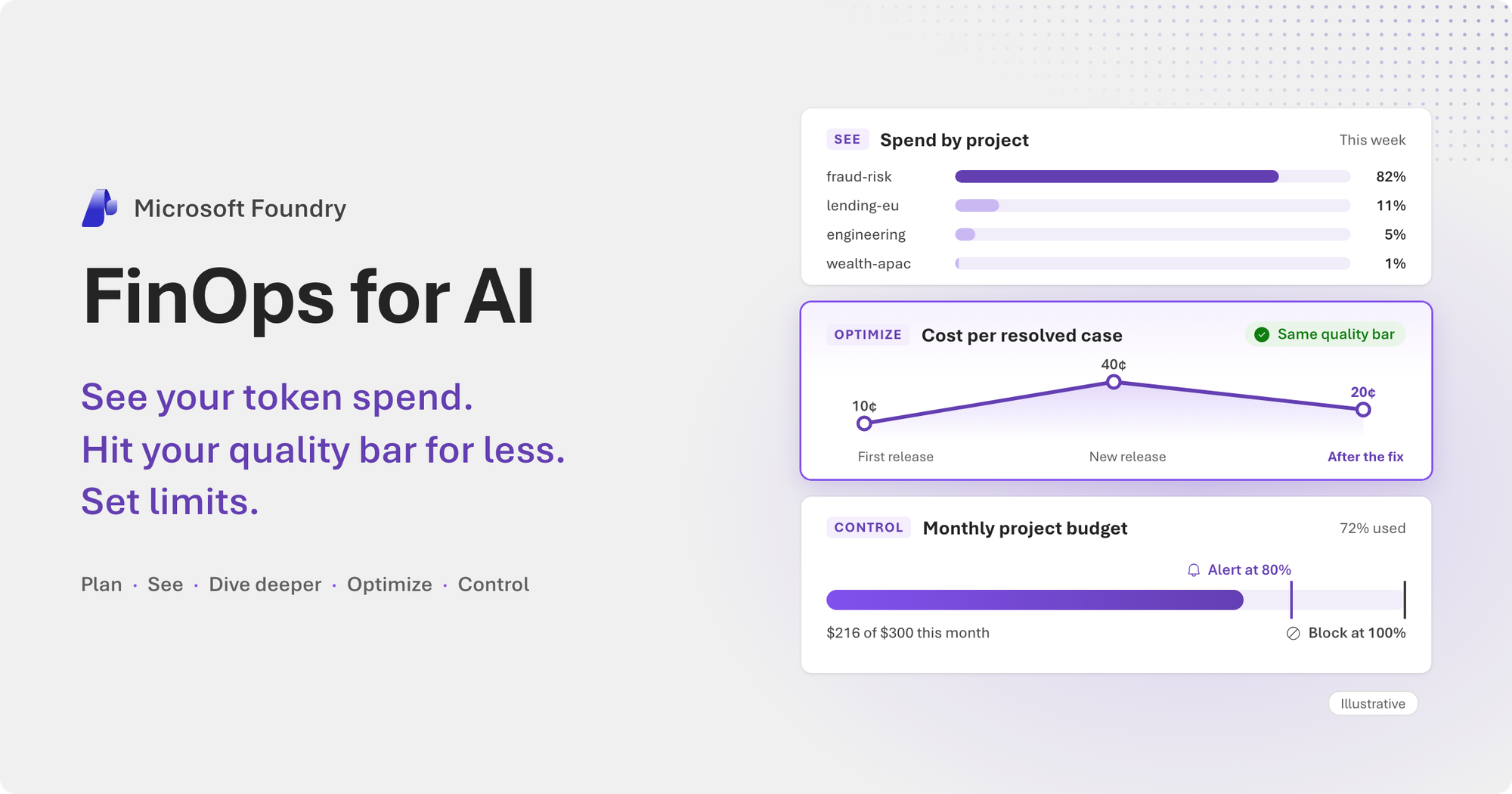
An end-to-end walkthrough of FinOps for AI in Microsoft Foundry: plan what an agent should cost, see where the spend goes, find out why it changed, hit your quality bar for less, and set limits.
Most AI agents reach production the same way. A proof of concept shows the idea works. The team estimates what it will cost at scale, the number looks reasonable, and the agent launches. Then it keeps changing, as agents in production do. Traffic grows. A new release moves a step to a smarter model. A prompt picks up a timestamp. A nightly job starts sharing a deployment with live traffic. Each change makes sense on its own. Together, they move the bill, and by the time the invoice arrives, it’s hard to say which change did what.
That’s why cost became an engineering question this year, not only a line in a finance report. As Satya Nadella wrote in his October 2026 letter to shareholders, “customers will increasingly measure the cost of tokens against the outcomes they produce.” Microsoft Foundry now brings cost to where you build and run agents, on the same numbers your finance team already uses.
What we keep hearing
When we sit down with teams that run agents in production, the same worries come up again and again:
- We know the bill went up. We don’t know which team, which agent, or which release did it.
- We find out at the end of the month, from finance.
- We’d move to a cheaper model tomorrow, if we knew the answers wouldn’t get worse.
- Nothing stops a runaway agent until the invoice shows up.
- Engineering and finance look at different numbers. Every review starts with an argument about whose are right.
Behind each of those worries is a person with a real question:
- Developers ask: Which model should each step use? They want to ship a cheaper version without breaking what already works.
- Platform teams ask: Where are our tokens going? They answer for every team’s spend, and they’d rather spot a surprise before finance does.
- Finance and FinOps practitioners ask: What does each outcome cost, and will we stay in budget? They want numbers they can trust and charge back, without learning a new tool.
FinOps for AI is a shared job. It works when everyone sees the same numbers and can act on them, from the first estimate to every release after. Here’s what Foundry gives each of them, at every step.
Meet Woodgrove
Let’s imagine a bank called Woodgrove Bank. It runs a dozen agents across five teams, all on Microsoft Foundry. Its busiest agent, fraud-case-review, prepares card-fraud cases for the bank’s analysts. For each case, it reads the alert, checks the customer’s profile, transactions, devices, and merchants, and drafts a recommendation that an analyst signs off.
Woodgrove Bank and its cases are fictional. The screenshots and numbers come from a Foundry demo environment we ran November 7 to 14, 2026, on synthetic data, with costs at list prices.
The fraud team cares about three things:
- The cost of each resolved case, at a quality its analysts trust. A cheap answer that an analyst has to redo isn’t cheap.
- No surprises. If spending jumps, they want to know that day, not at month-end.
- A budget they can stand behind. Finance charges AI spend back to each team, and the fraud team owns its number.
Version 1 of the agent cost about 10 cents a case, right on plan. Then the team shipped version 2, with a bigger model and a reworked prompt. The analysts didn’t notice a difference. The bill did, and each case now cost about 40 cents. Here’s how Woodgrove planned, found the cause, fixed it, and kept it fixed.
Plan: know what a case should cost
FinOps starts before the first deployment. Woodgrove began with a small proof of concept: the agent worked through a sample of closed cases, and the team measured how many tokens one case takes. With that, and the number of cases they expected each month, they estimated production cost in the Azure pricing calculator. Billing concepts showed them which charges to expect. Before launch, they ran a small test workload with representative traffic and compared its cost in Foundry with the estimate. The target they agreed on: about 10 cents a case. That target matters because it tells the team what good looks like as a cost per outcome, and it turns “the bill feels high” into a number they can measure against.
Learn more: Estimate costs
See: where is the spend going?
Woodgrove’s platform team starts each day on Fleet (preview), in the Manage area of the Foundry portal. It’s one view of every agent and model in the subscription: how much they run, how many tokens they use, what they cost, and where errors, slow runs, and policy violations are. Cost, health, and compliance sit side by side, and each card links to a page with more detail. In the week version 2 shipped, Fleet put the estimated cost at about $118, across 12 agents and 18 models.
Operations (preview) showed what was behind it. It tracks agent runs, model requests, tool calls, and tokens, by agent and by model, along with errors, latency, and quality scores from recurring evaluations. It doesn’t show cost, but its numbers arrive within minutes and show what’s happening right now. One agent’s tokens stood out: fraud-case-review.
Fleet and Operations for Woodgrove’s five projects, over the last seven days, November 7 to 14.
To put a price on it, the team opened Cost (preview). It shows spend for every project in the subscription, compares each day with the same weekday last week, and lists the assets that cost the most. Spend can be grouped by project, agent, or model, so the agent behind a cost is one click away. The fraud-risk project was most of the spend, fraud-case-review was most of that project’s cost, and nearly all of it ran on GPT-6 Sol, the frontier model.
From the bill to the agent and its model.
Cost in Fleet, Cost, and each project’s Monitor comes from Azure Cost Management. It’s the same data finance sees, at the prices you actually pay, including negotiated prices. Foundry tags model charges with their project and model deployment, and, for agent calls, the agent’s name. Engineering sees cost by agent in Foundry, and finance sees the same spend by project in Cost Management, ready for chargeback.
That’s also why cost arrives later than usage. Usage, like tokens and runs, shows up within minutes. Cost has to be priced first. Cost Management updates estimated charges up to six times a day, and cost typically appears 8 to 24 hours after usage (up to 72 hours on pay-as-you-go subscriptions). That helps you spot a runaway agent well before month-end. Costs stay estimates until the invoice is issued, and Cost Management doesn’t include taxes or credits. We’re working to shorten the delay on the way to general availability.
Learn more: Monitor your agent fleet · Monitor agent and model operations · View subscription costs · View project, agent, and model costs · Analyze costs in Azure Cost Management
Dive deeper: from one case to the cause
A cost chart tells you that spending changed. To fix it, you need to know why.
The fraud team opened the agent’s Traces and picked one version 2 case. It made 17 model calls, and every one went to GPT-6 Sol, even simple steps like reading the alert. Then came the detail that explained the jump. Each call wrote its prompt to the cache, and none of them read anything back. Version 2 had put the current date and time at the very top of the prompt. No two calls started the same way, and the cache never got a hit. On GPT-5.6 and later models, cache writes can be billed: a cache that’s written and never read adds cost instead of saving it.
Nobody should have to read a thousand traces to find a pattern. Insights (preview) reads an agent’s production traces and groups recurring issues by category and severity, and Cost & tokens is one of the categories. For Woodgrove, it flagged that every step of a case resent the full fraud policy, including sections that step didn’t need, and it linked the traces behind the finding. Each insight comes with a proposed fix. You can test it with Agent Optimizer (preview), covered in the next section. Insights has its own token cost, because it runs a model over your traces. Run it on demand, for example after each release, or turn on scheduled analysis, which runs every six hours.
From the agent to the cause, in one trace and one insight.
Optimize: hit your quality bar for less
With the cause known, Woodgrove could fix it. Every cost lever trades something away, such as quality, speed, or flexibility, so before changing anything, the team set a quality bar, in three steps:
- Pick real work. The team took 50 closed fraud cases, each with the decision a senior analyst made.
- Decide what counts as right. Four checks for each case: does the agent reach the same decision as the senior analyst, name the same type of fraud, and cite the two key records behind it?
- Score the current version. That score is the bar. A cheaper option ships only if it does at least as well, on the same 50 cases.
In Foundry, this is an evaluation. You run the same cases against each option and compare the scores, tokens, and estimated cost side by side.
Woodgrove’s evaluation in the Foundry portal: the same 50 cases on five models, four checks each, with each run’s estimated cost. model-router-cost is Model Router in Foundry Models, in ‘cost’ mode.
Every model used about the same number of tokens on these cases, yet the runs cost from about 5 to 90 cents. The price per token for the achieved accuracy made the difference. Per case, that’s 2 cents or less, far below the cost of a case in production, because each evaluation case is one model call on the case’s evidence, while a production case makes 12 to 20. With the bar in place, the team looked at both sides of the bill: how many tokens each case uses, and what each token costs.
1. The right model for each step. Not every step needs the frontier model. On Woodgrove’s 50 cases, model router in Cost mode passed 199 of 200 checks, the same as GPT-6 Sol, for about a tenth of the cost at list prices. The lower-priced models on their own cost even less, but each passed fewer checks. Cheaper isn’t automatically good enough, which is why the bar comes first.
If one smaller model holds the bar for every request in a step, you can call it directly. When requests vary, model router picks a model for each one, and easy requests don’t pay frontier prices. Its default Balanced mode and its Cost mode are both built to cost less than always calling a frontier model. The model router blog goes deeper.
Agent Optimizer (preview) looks at the agent as a whole. It tries candidate instructions and models on your own evaluation data and scores each candidate against your current version. Nothing changes until you promote one, so you can pick the cheapest candidate that holds the bar. You can start a run from the Foundry portal, Foundry Toolkit for Visual Studio Code, or the Azure Developer CLI.
Woodgrove ran it on six of its cases, one for each type of fraud, with a stricter score that also checks that every finding cites a record. Each candidate changed only the system prompt. The best one more than doubled the score and used about a third fewer tokens per case. The team kept the Optimizer’s new evidence rules for version 3.
Agent Optimizer on fraud-case-review: three candidates against the current version.
2. Reuse what repeats. Prompt caching reuses the start of a prompt when it’s identical from call to call and at least 1,024 tokens long. Cached input costs much less than regular input: a tenth as much for GPT-6 Sol, at Data Zone list prices. For Woodgrove, the fix was a small code change: instructions, policy, and tool definitions first, and the timestamp and case data last.
3. Send less. Insights showed every step getting the full fraud policy. Version 3 still sends it, but now it’s read from the cache. Sending each step only the sections it needs would save more. Two more habits help any agent: cap output tokens, and use tool search, which lets an agent with a large toolbox load tool definitions only when it needs them.
4. The right deployment for the job. The same model can cost less depending on how you deploy it. It pays to match each workload to the right deployment type, and one question helps: is anyone waiting for this response? Woodgrove re-scores its whole case backlog overnight, on the same deployment that serves analysts during the day. Nobody waits for that job. It can move to Batch, which targets a 24-hour turnaround, or to Flex processing (preview), which runs delay-tolerant requests at a lower price. For steady, high-volume traffic, provisioned throughput gives you reserved capacity and a predictable bill. Priority processing is the opposite case: it’s built for low latency, not for savings. Use it for the traffic where speed matters most.
The result. Combined, these levers lower the cost per outcome. For Woodgrove, version 3, live since November 12, cut the cost per case in half, to about 20 cents, at the same quality.
Learn more: Cost optimization overview
Control: set limits
The levers bend the curve. Cost controls (preview) help keep it in bounds.
A cost control is a budget, in US dollars or tokens, with three settings: the usage it covers, how often it resets, and what happens at each threshold. It can cover a whole Foundry resource or project, or only the projects, model deployments, agents, or hosted agent sessions that you pick. At a threshold, it sends an alert through Azure Event Grid, or it blocks new requests until the next reset. Blocked requests get HTTP 429 with the header x-ms-budget-cause: budget_exceeded, which lets your app tell a budget block from a busy service.
Four scopes cover most needs: a project, so each team owns its budget; a model deployment, to cap an expensive model; a single agent; or every session of a hosted agent, so one long conversation can’t run away. A control can share one budget across everything it covers, or give each project, agent, or session its own.
Cost controls count usage as requests run and act before an overrun reaches the invoice. Platform teams set them for every project in Manage > Cost > Cost Control. They can also create them from code, for example in a deployment pipeline. Teams working in a project see every limit that applies to them in the project’s Monitor > Cost Control, before anything blocks. When several controls apply, the most restrictive one decides.
Creating a cost control for a project: $300 a month, an alert at 80%, and a block at 100%.
Woodgrove’s fraud team now gets an alert at 80% of its monthly budget and a block at 100%, and each analyst conversation with the team’s chat copilot gets its own 40,000 tokens. Finance sees the same spend, by project, in Azure Cost Management. Cost controls work alongside the limits you may already use: Cost Management budgets alert on billed cost, quota caps throughput, and AI gateway token limits cap the tokens for a deployment.
Learn more: Create and manage cost controls · Permissions for cost data and cost controls
It’s not just Woodgrove
Woodgrove Bank helps illustrate an end-to-end example, but the pattern is real. Teams building on Foundry, like the ones below, are already paying less without giving up the quality they need. They start where Woodgrove did: a clear quality bar, the right model for each step, and only the context that matters.
- Docusign processes more than a million agreements a day. It moved from large, general-purpose models to smaller models in Microsoft Foundry, and it sends each model only the part of an agreement that matters. AI processing costs fell 90% and throughput rose eightfold, with accuracy within two percentage points of the larger models (Microsoft customer story). “At a million documents a day, the difference between sending a full 100-page contract and sending the 4,000 tokens that actually matter is the difference between a viable business and an economics problem,” says Ramachandra Kota, Senior Director of Applied Science at Docusign.
- Wolters Kluwer builds expert AI for regulated industries on Microsoft Foundry, including CCH Axcess for tax and accounting professionals and UpToDate Expert AI for clinicians. “We define useful first, and only then make it cheaper. Our experts set the bar, and we test every model in Foundry against it the same way. Our biggest cost lever is prompt caching: we folded separate agents into one shared prompt prefix, with the live request last, and our cache hit rates are above 90%. Cost and latency come down, and accuracy goes up,” says Alex Tyrrell, EVP and CTO, Health and Advanced Technology, Wolters Kluwer.
- Enhans builds AgentOS, its platform for enterprise agents, with Microsoft. “Our goal is fewer tokens per decision, without lowering the bar. Every customer review becomes a Foundry test, and a cheaper model goes live only when it passes. That’s how about 90% of the work in AgentOS runs on small models in Foundry, while frontier models do the planning. Because our agents start from the customer’s business context, they make five times fewer tool calls for the same task,” says SukYeon Jung, Chief Business Officer, Enhans.
They’re in good company. Teams at Commerzbank, Discovery Bank, Fujitsu, NIQ, and SK Telecom also run agents and models in production on Foundry.
What’s next
Caller attribution (private preview). Projects, agents, and model deployments aren’t the only ways you split cost. With caller attribution, you add your own tags to requests, such as an application, a cost center, or a team, and see model cost by them. It starts with Azure OpenAI in Foundry Models, part of Microsoft Foundry’s unified platform. To try it, request access to the private preview.
Foundry and Agent 365. Microsoft Agent 365 is the control plane for agents. It gives IT and security teams one place to observe, govern, and secure every agent in the organization. That includes agents built on Microsoft platforms like Foundry, third-party agents from partners, and agents you register yourself. We’re working to bring Foundry’s cost data and cost controls into Agent 365. The goal: IT governs the spend of Foundry agents where it governs every other agent, while developers keep seeing their limits where they build.
Get started
Price per token has been falling. Now your bill can fall with it. Woodgrove went from “why is this so high?” to a cause, a fix, and a budget, without lowering the bar for its analysts. You can follow the same steps:
- Already on Foundry? Open Manage > Fleet in the Foundry portal, follow See Cost to your most expensive agent, and open its traces.
- New to Foundry? Start building at ai.azure.com.
- Working in code, or with agents? Create cost controls from a pipeline with the REST API. Pull cost data on a schedule with Cost Management exports. Run Agent Optimizer on a hosted agent from the Azure Developer CLI. And connect your coding agent to the Foundry MCP Server (preview). Its tools return a model deployment’s requests, latency, errors, and token use, and suggest models with a better balance of quality and cost.
- Want the full picture? Read Cost and FinOps in Microsoft Foundry, which covers the capabilities, data sources, and roles.
- Want to swap notes? Join the community at aka.ms/ai/discord.
| If you want to | Start here |
|---|---|
| See what every project, agent, and model costs | Monitor your agent fleet · View subscription costs · View project, agent, and model costs |
| Find out why cost changed | Monitor agent and model operations · Use Insights in Foundry |
| Hit your quality bar for less | Evaluate your AI agents · Cost optimization overview · Agent Optimizer · Model router |
| Set limits | Cost controls overview · Create cost controls programmatically |
| Allocate and report costs | Analyze costs in Azure Cost Management · Export cost data |
| Work with Foundry from your coding agent | Get started with Foundry MCP Server · Available tools |
Features marked (preview) in this post are in public preview and subject to the Supplemental Terms of Use for Microsoft Azure Previews.

 Microsoft