visio
457 TopicsFeature Request: Language-Based Font Categorization (Word, PowerPoint, & Microsoft 365 Apps)
Dear Microsoft Office Team, I am a regular user of Microsoft 365 applications, and I truly appreciate the continuous improvements made to the software. I would like to suggest a feature enhancement that would significantly improve the workflow for users working with multi-language documents and presentations across all design-dependent Microsoft apps (such as Word and PowerPoint): Categorized and language-separated font drop-down menus. Currently, when dealing with a large library of installed fonts, the font list mixes all languages together (Latin, Arabic, and other scripts). This makes it extremely difficult to compare font styles quickly, As a graphic designer, this issue is incredibly frustrating; when comparing fonts in programs like Word or PowerPoint, users are forced to constantly scroll up and down, often losing track of the font they liked. Personally, this leads me to either write down the names of the fonts on a separate sheet of paper or repeatedly type out the same sentence—applying a different font to each version—just so I can compare them side by side. My suggestion is to: Provide a clean, structured view where users can easily browse and compare font styles within the same language family without scrolling through long mixed list. Group fonts by language/script categories (e.g., all Arabic fonts grouped together, all English/Latin fonts grouped together, and so on). Extend this feature across all Office apps that rely heavily on typography and design (Word, PowerPoint, etc.). This feature would save an immense amount of time, reduce friction in document/presentation design, and elevate the overall user experience—much like how professional design software handles typography. Thank you for your time, consideration, and dedication to making Microsoft 365 better for everyone. Best regards, MINA-eNjOy80Views0likes1CommentBring your ideas to life with new capabilities in Visio for the web
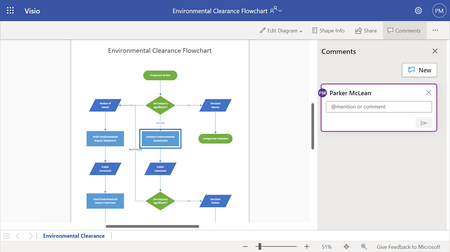
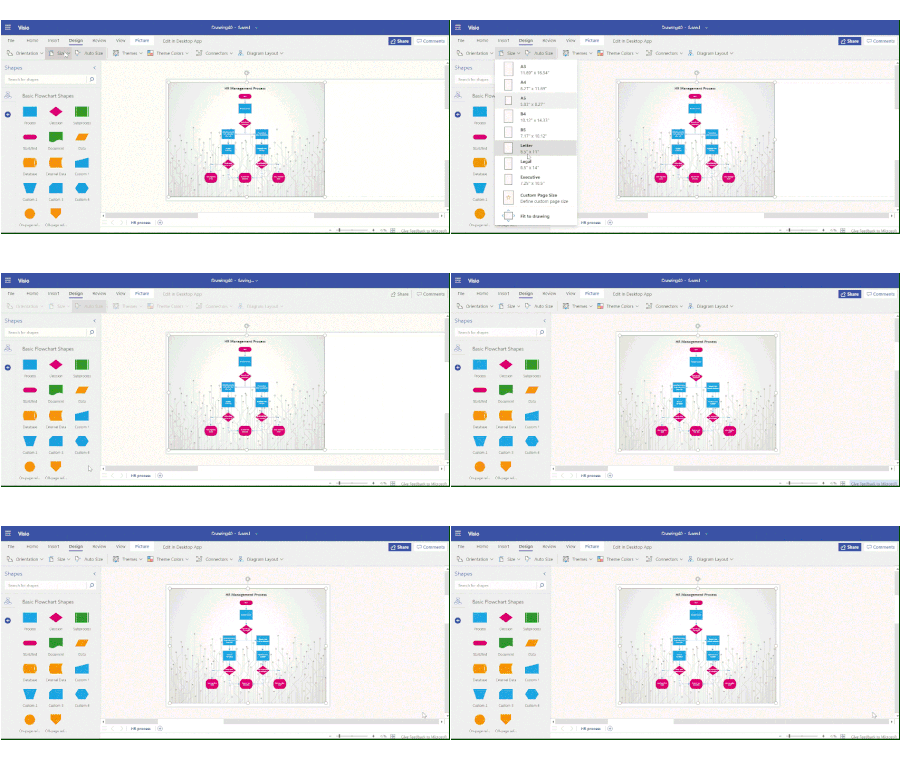
At Visio, we are constantly working on new features to enhance the Visio for the web experience. In this blog, we provide a step-by-step guide on how to design a flowchart leveraging some of the latest capabilities in Visio for the web. Learn how to create and coauthor professional-looking flowcharts for effective decision making and process execution.6.3KViews4likes1Comment