template
27 TopicsRetirement and FIRE Estimators
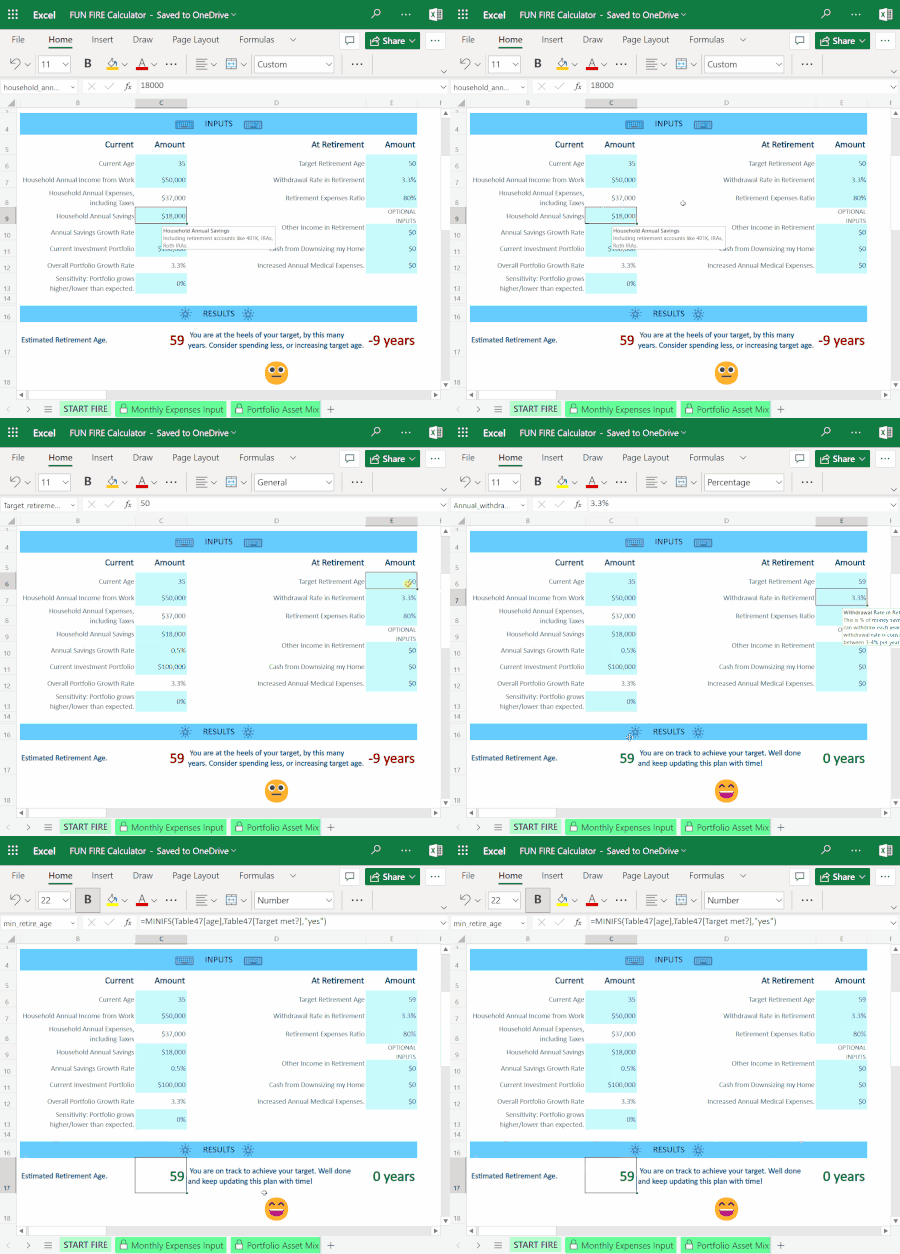
Pondering over your family finances during tax season? Or do you simply love planning and dreaming for the future? For some people, that means budgeting, planning for a regular retirement or FIRE (early retirement). Excel has templates and estimators for all three scenarios.71KViews5likes6Comments
Create SharePoint Online site based on .wsp template file via PowerShell
Dear community, I am trying to find the quickest solution to provision new SharePoint sites based on a template site (we extracted the .wsp file). Currently we manually create a SharePoint site via the SharePoint Online admin center in Office 365 and create a site with the option "select template later". After the site is created we manually upload the .wsp template file to the solution library of the new site in order to activate the template. As I work for a company with + 15.000 employees, we are trying to implement more efficient processes and if possible automate standard processes. The manual process we currently use takes too much time for our support departments. I know that there is a possibility to create a SharePoint site via PowerShell and I also saw a PowerShell command to upload a .wsp file to a SharePoint site, however that was a PowerShell command meant for (an on premise) SharePoint Server 2013. Is there anyone who can help me with the PowerShell script to automate the following: 1) Create a SharePoint Online site with the option to activate a template later based on a locally (or virtually would be even better) stored .wsp file. 2) Upload the .wsp file to the solution gallery of the just created SharePoint site 3) Activate the template on the new SharePoint site This would be a tremendous help for us, so I hope you can help. Thank you in advance for thinking along! Kind regards, Sylvester12KViews0likes5Comments
PnP Get Site Template - Object reference not set to an instance of an object
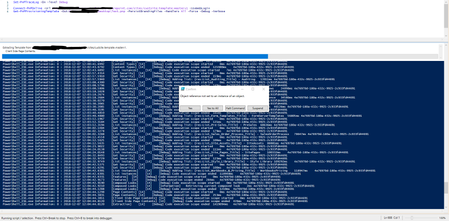
Hey, Wondering if anyone else has had a similar issue? Get the error "Object reference not set to an instance of an object" when running Get-PnPProvisioningTemplate. Have tried it both on PS & PS ISE, its on a Modern SharePoint Online Team Site. Attached a screenshot of the error below:7.8KViews0likes5Commentsworkaround | copy a layout from an existing sharepoint team site
we need to create hundreds of SharePoint team site (powershell) and the layout must be identical, can be possible create a new team site using an existing one as a template or exporting and importing Layout or change the default team site? thank you in advanceSolved4.4KViews0likes4Comments
Calorie Amortization Excel Template Issue
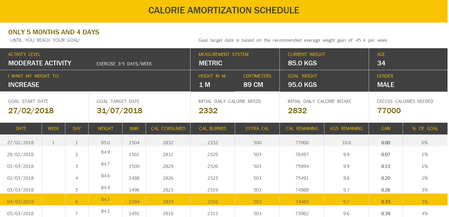
Today I came across the "Calorie Amortization" template on Excel. I started off by changing the preset information so it would fit me. I slightly altered some values from my real ones in the picture but that shouldnt change anything. The picture below shows this: So my issue comes with the weight column... It is supposed to represent my theoretical weight day by day and in this case it is supposed to go up rather than down. The formula for the weight column is: =IFERROR(IF(Maintain,"",Weight), "") Could someone explain why this is happening and how I could fix it? Its not life threatening but it also ruins the spreadsheet. Anyway, thank you and have a nice day :) EDIT: I also realised BMR goes down. BMR is calculated using the equation: (height in cm * x value) + (weight in kg * y value) - (age * z value). X,Y and Z values are not important, I am just noting that if weight goes down (as it does in the picture), BMR will also go down.Solved4.1KViews0likes3Comments