outlook
4 TopicsUltimate Polling and Quiz Experience with Polls app: The Replacement for Forms app in Teams meeting
Initially Forms app was launched in Teams - for different experiences based on the sync vs async user scenarios, as it points to polling experience in meetings for quick creation to launch, while it points to survey experience in the context of Teams channel.To provide an intuitive and easy-to-access experience , Polls app was launched - a dedicated app for all your polling and quiz needs in Teams meeting and chat. We are glad to see that hosting an effective and interactive meeting just got easier after the launch of Polls.1.1MViews7likes42CommentsIgnite Blog: Taking Forms to the Next Level with Teams and Power Automate
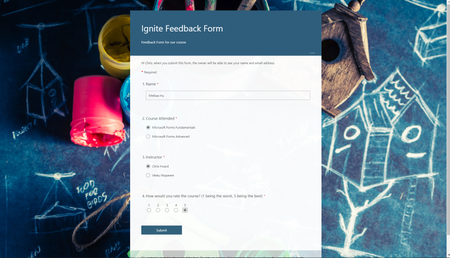
I hope you are all having a great time at Microsoft Ignite! My name is Chris Hoard, Partner Education Lead at Vuzion here in the UK. I am a Microsoft Certified Trainer Regional Lead (MCT RL) and Office Apps and Services MVP.14KViews5likes3Comments
Introducing Forms data sync to Excel
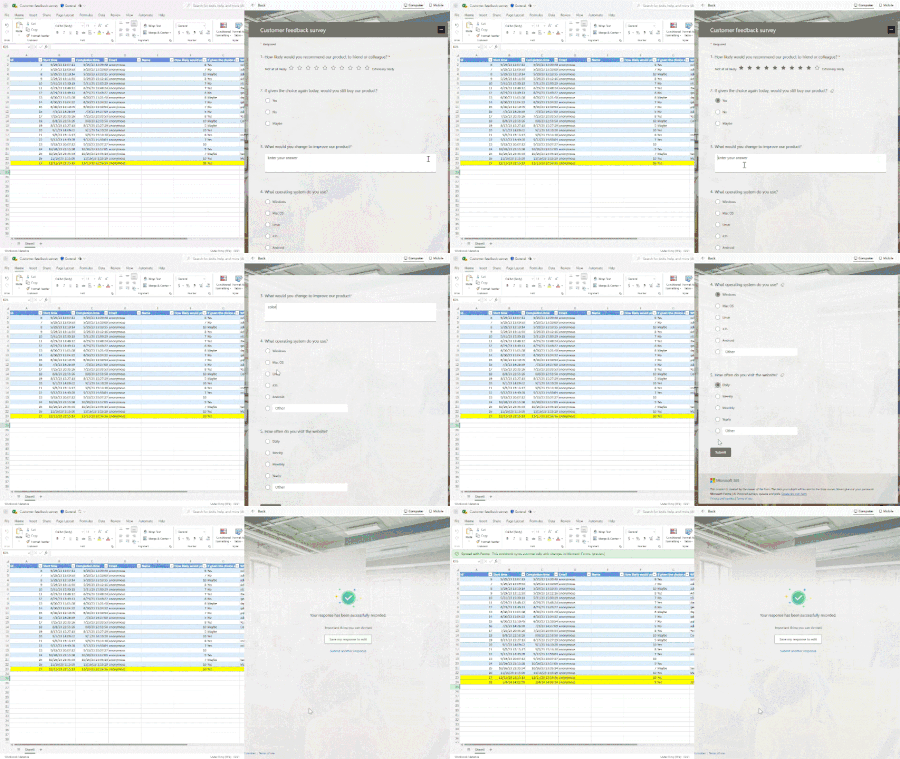
The highly anticipated feature – Forms data sync to Excel is now available in Microsoft Forms. With just one click, you can now easily access all your form responses in Excel for the web and take advantage of Excel’s rich functions to analyze and visualize your data. With automatic syncing of new responses in real-time, you can keep working on your existing spreadsheet without missing a beat. No more juggling multiple copies of the same file, making it easier than ever to stay on top of important data. Ready to check out this feature? Let’s get started!183KViews8likes89CommentsIn-line poll experience in Outlook Web
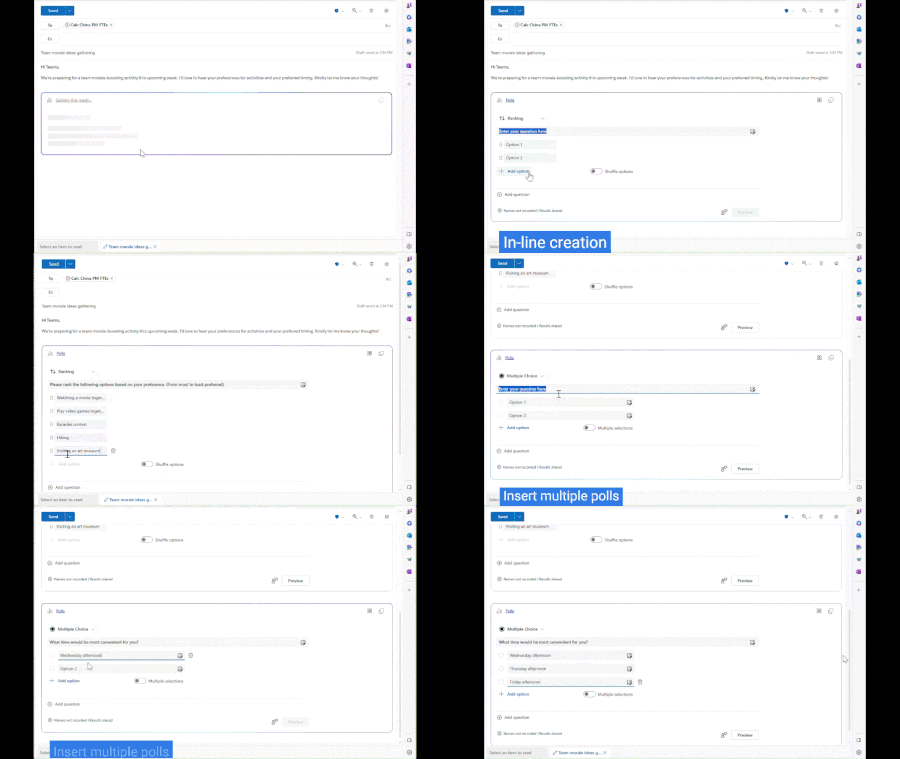
I'd like to introduce you to our brand-new poll experience in Outlook web with Microsoft Loop to streamline your workflow. The current process of creating polls in Outlook can be somewhat cumbersome and less user-friendly. Email/poll composers must navigate through a side-pane to create a poll and cannot preview how it will appear to recipients before sending the email. With the in-line experience that Microsoft Loop provides, they can now create polls directly within an email thread. Recipients can then vote in line and instantly check the real-time poll results. Let's dive into this amazing new feature and explore it together!13KViews5likes6Comments