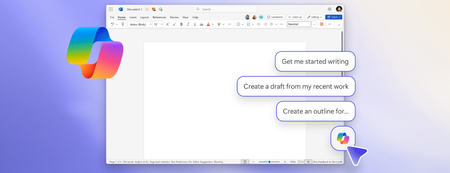
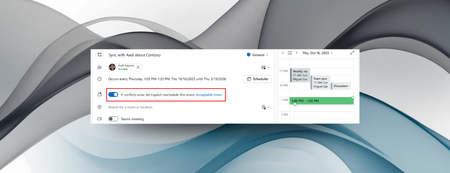
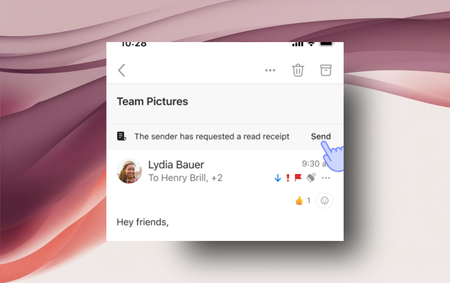
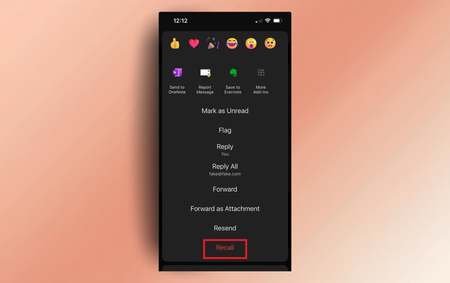
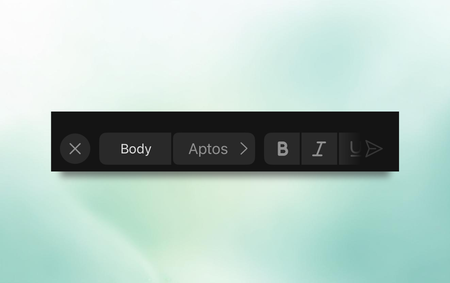
Most RecentNewest TopicsMost LikesMost ViewedA more efficient way to access email and meeting information with Narrator Narrator gives you faster and easier access to essential email and meeting details in Outlook. Stay productive in new Outlook for Windows with these 5 features Pin, Snooze, Sweep, and more features can help you organize your inbox and work more efficiently. New Copilot entry points, smart suggestions, and keyboard-first design The ability for Copilot to better connect to your content when using a keyboard and screen readers has evolved. Copilot can reschedule conflicting events in Outlook You can now have Copilot in Outlook reschedule personal appointments and one-on-one meetings if a conflicting event arises that takes priority. Experience the future: Switch to new Outlook for Windows today! New Outlook for Windows has top-requested capabilities like pin important emails, add shared mailboxes as accounts, and newsletters. Customize your email actions toolbar in Outlook for Android and iOS You can select which actions you used most often to remain in your toolbar in Microsoft Outlook on your mobile device. Delivery and read receipts in Outlook for Android and iOS Request delivery or read receipts, or respond to a request from someone else, in Outlook on your mobile device. Streamline meeting management with Copilot Planning, organizing, and getting the most out of work or personal meetings is no issue with Copilot. Recall emails in Outlook for Android and iOS Retract an email from all recipient’s inboxes after you’ve hit send, now on mobile, too! Try out fonts in Outlook for Android and iOS Want to make writing emails on mobile more expressive? Now you can change the font of your text!