onenote
800 Topics
OneNote - Inserting Code Blocks
Are there any plans for a way to format code blocks in OneNote without inserting a 1 column/row table or an ugly print out? The most relevant Google search brings up a post from 2018 where the top answer says its been requested on UserVoice and directs OP there, but 3 years later, still no code block formatting options and Microsoft isn't using UserVoice anymore so I don't where else I can submit feature requests besides this discussion board. Thanks!364KViews25likes27Comments20 updates for Microsoft Teams for Education, including 7x7 video and Breakout Rooms
Over the last few months, schools and institutions have been working tirelessly to enable distance learning. We’ve heard directly from many of you about engaging students in lessons, encouraging student-to-student collaboration, and facilitating staff professional development, all while remote. Thank you for sharing your thoughts and ideas about how to improve Microsoft Teams for distance and hybrid learning. We continue to be inspired by you and are always exploring and implementing new ways for Teams to support student engagement and professional development. 236KViews22likes42Comments
Go Dark Mode and more on OneNote
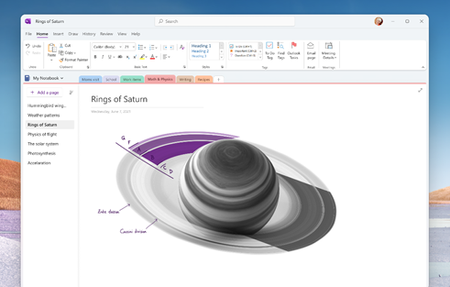
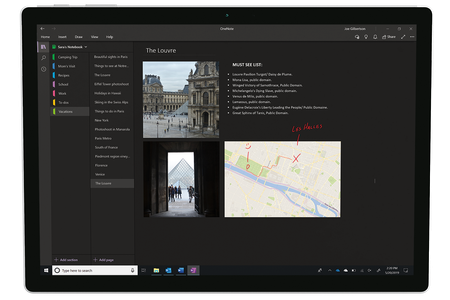
This month, we’re excited to bring you some highly anticipated features in OneNote: Dark Mode, Send to OneNote from Outlook, Insert printouts of Office files, and simplified ribbon for OneNote on the web. Read on below for more information on these highly requested features!173KViews12likes8Comments
Please add Markdown support
Please add support for Markdown editing/rendering. EverNote and Boostnote all support this, but OneNote still lacks this feature, while it remains so many developers' main notetaking tool. Take myself as an example, I enjoy its seamless integration with OneDrive and powerful search function, but find it difficult to properly take down coding related notes -- I was forced to format code snippets into monospaced font with shading to make them look like "code snippets". To elaborate the user story about this idea: The user can create a new "regular page" or a "Markdown page". If the latter, then Markdown tags entered are rendered as you type (e.g. #title, >quote, *bold*, `code`...) The user might also enjoy a "cell editing" mode (similar to Jupyter Notebook). So if the cursor is placed in a cell, then it changes to raw text view. And once escaped from this cell, it gets rendered. And maybe enable some Jupyter/VS Code stype shortcut keys, too (Alt+Up/Down to move the cell, Alt+Shift+Up/Down to duplicate the cell, Ctrl+Shift+K to kill a line, etc) This way notetaking will be more efficient/fun, and many developers would thank MS!119KViews206likes73Comments