notes
136 Topics
Best way to automatically bring unfinished 1:1 action items into the next meeting?
One thing our managers keep running into is losing track of action items between recurring 1:1s. They might agree on 2–3 follow-ups during one meeting, but by the time the next one comes around those notes are sitting in Loop, OneNote, a Teams chat, or someone’s personal task list. Ideally, I’d like unfinished action items from the previous 1:1 to automatically show up in the next meeting agenda so both sides can quickly review what was actually completed.413Views0likes2Comments1:1 meeting notes keep getting lost. I need a better system
So we have about 40 managers who are supposed to do weekly 1:1s with their reports. Most of them take notes in random OneNote notebooks and Ive even seen some use Teams chat as some pseudo-notebook. Is there anything that lets people take notes inside the actual Teams meeting and keeps those notes attached to that meeting in Teams?259Views0likes3CommentsHow are you running 1:1 meetings inside Teams without it turning into a mess?
Right now were using a shared OneNote for agendas and action items but honestly nobody updates it and half the time the meeting turns into a random chat with no structure. I tried using Planner tasks as a workaround but thats clunky because theres no real connection between the task and the meeting itself. Has anyone found a good way to keep 1:1 agendas, notes, and follow ups all in one place inside Teams? We have about 40 people so it needs to scale a bit.294Views2likes3Comments
Struggling to keep 1:1 meeting notes organized across weeks in Teams
I have 8 direct reports and we do weekly 1:1s. Right now I'm keeping notes in OneNote but theres no easy way to carry over action items from last week or see what we talked about 3 months ago without scrolling forever. Teams meeting notes are even worse because each meeting creates a separate note. Someone in my company suggested using a Loop page but that still doesnt solve the continuity problem. How are other managers keeping a running history of 1:1 conversations thats actually searchable and organized?284Views2likes1CommentAbility to take Personal Notes on Interactions in TEAMS
I have a lot of situations where I would like to take and keep personal notes associated to a specific TEAMS interactions. I don't want to have to keep my notes in a separate place like OneNote or Outlook. Requests Don't make the notes public for all of the participants (possibility to add a private tab to the interaction window in TEAMS Access the notes directly through the window in TEAMS for the Chat, phone call, or meeting24KViews14likes17Comments
How do you track 1-on-1 meeting notes anywhere in Microsoft Teams?
Hey everyone! How are you all keeping track of your meeting notes? Are you using the built in meeting features? Are you using a seperate app? I've noticed most of our employees are just using their Teams chats as a notepad and it doesn't seem very efficient...Solved482Views0likes3CommentsRemoving Teams from a Specific User Profile via Script in Intune
Hi, Working on a process with using PowerShell to remove Microsoft Teams from a specific user that is not the primary user of that computer on multiple Windows 11 devices using Microsoft Intune. However, I need a script to make this happen. Can I get some help from the community on this? Has anyone else seen this before? Thanks, ZC46132Views0likes0Comments
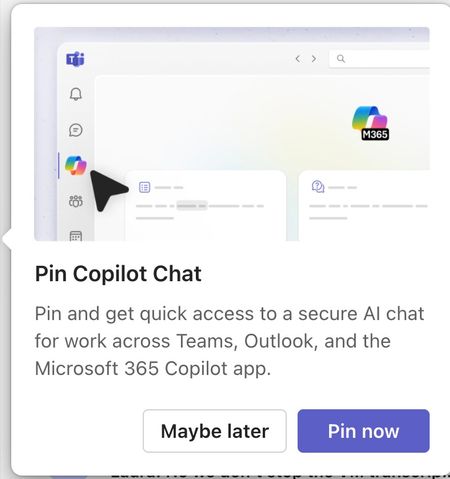
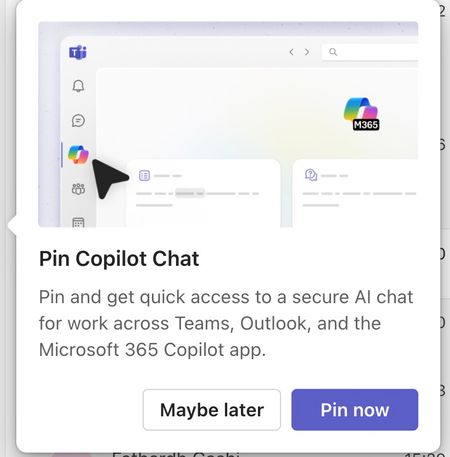
Please tell me how to disable the Pin Copilot message
Morning! I wrote a message yesterday but nobody replied, so here's another one so it doesn't get lost Can somebody tell me how to disable the annoying "Pin Copilot Chat" popup? every morning I have to say "Maybe Later" when I really mean to say NEVER IN A THOUSAND YEARS473Views0likes1Comment