guest access
684 Topics
Teams External Access vs. B2B Direct Connect vs. B2B Collab
I've received conflicting info regarding whether B2B Direct Connect and Teams External Access are the same thing. Last time I looked into this, they both seemed to rely on the 'Default External Identities' controls from Entra - they were two faces of the same coin. Now it's not so clear. Can someone clarify?168Views0likes1CommentSecurity loophole in Private Channels?
We came across an interesting use case in our organization today. We have a Team and a private channel within that Teams team. Within the private channel a subsite was created. I am not an owner or member of the Team nor am I a member or owner of the private channel. However during creation of the subsite I was able to be invited with unique permissions to the subsite and I was successfully able to access it. After the initial creation of the subsite, our admin was not able to add or remove or effect any additional permissions on that subsite. Is this a loophole? I expected that without being a member of the private channel I would have absolutely zero access to any items associated with the private channel and site. Which has remained true (when I go to the private channel URL I get denied access) except that I do have access to this specific subsite. My instinct is that the reason permissions cannot be changed after the fact is that this is a genuine loophole and permissions weren't intended by Microsoft to be able to be granted at all on the subsite. This is due to the fact it is under the private channel and permissions should only be able to be changed via the admin UI or from the Teams application. Has anyone come across this in their work? Any guesses or explanations for why the subsite access would be initially available? Is this just genuinely a loophole in the permissions architecture?493Views0likes2Comments
External sharing recommendations?
Our Teams environment is fairly restrictive when it comes to external sharing. We do not permit OneDrive external sharing, and Teams sharing is disabled except for guest accounts that IT creates. That has become a bit of a pain when we need to provide access to external entities that might need just a one-time access for files. Creating a guest account for a one-time/short-term use takes time and seems administratively cumbersome. Anyone have any suggestions for these sort of needs?157Views0likes0Comments
Status available for internal only
For the love of God, please add the ability to make my status show as away for external and available to internal team members. This seems so basic and would make my life so much better, yet I can find no solution. If I show as available, I am constantly bombarded by external clients. If I set myself to busy or away, then my staff think I'm unavailable. Please develop a solution!314Views1like1Comment
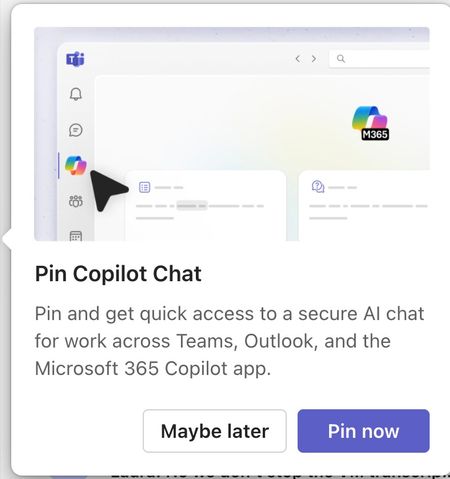
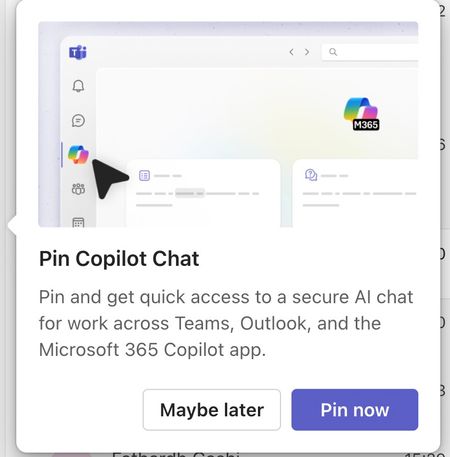
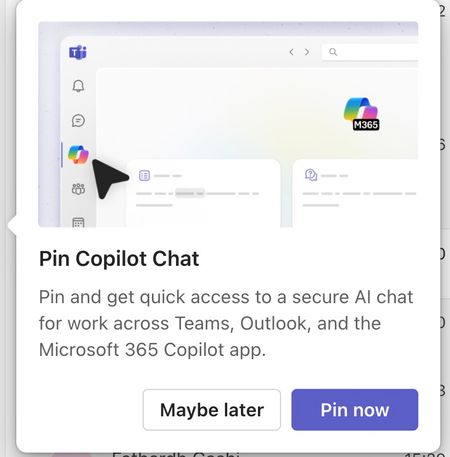
Please tell me how to disable the Pin Copilot message
Morning! I wrote a message yesterday but nobody replied, so here's another one so it doesn't get lost Can somebody tell me how to disable the annoying "Pin Copilot Chat" popup? every morning I have to say "Maybe Later" when I really mean to say NEVER IN A THOUSAND YEARS542Views0likes1CommentSecuring Microsoft Teams Best Practice & Cleanup
Working on a Teams environment that is fully wide open. They have seen a huge number of Teams created and are looking to get it under control from here on out and clean up. Wanted some advice on what you recommend doing and if you have the instructions to complete those tasks. My thoughts would be Block Team creation where IT would need to be involved. I believe this could be accomplished by blocking M365 Group creation. Way to expire or archive old Teams with no activity in X amount of time? Also, how are you handling guest invitations or access? Doing anything that allows but might secure things better for the organization. Thanks all.564Views0likes6Comments