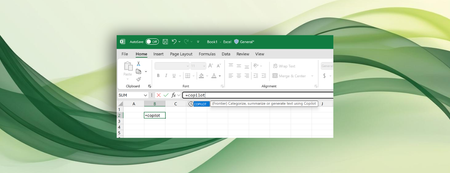
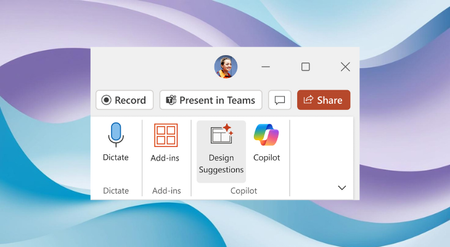
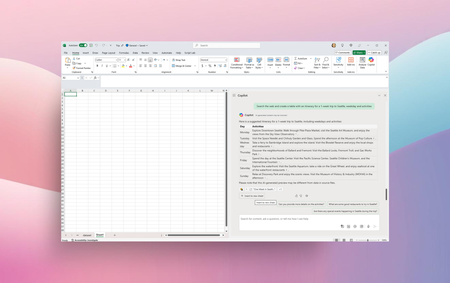
Most RecentNewest TopicsMost LikesMost ViewedBring AI to your formulas with the COPILOT function in Excel Enter a natural language prompt in your spreadsheet, reference cell values as needed, and watch Copilot instantly generate AI-powered results. Design Suggestions: Combining the power of Designer and Microsoft Copilot in PowerPoint Elevate your presentations with a broader range of creative options -, ensuring that your slides convey information effectively but also captivate your audience visually. Automatically summarize Word documents with Copilot The Copilot automatic summary helps you grasp the key points and ideas of your Word document. Search and import data with Copilot in Excel Copilot in Excel can reference Word, PowerPoint, and PDF documents, as well as other Excel files, to pull and analyze data. Microsoft Loop, a year in review: greater integration and richer collaboration Loop’s biggest accomplishments in 2024 include the new Meeting Details experience and Loop components in OneNote. Microsoft 365 Copilot Notebooks available in OneNote on Windows You can now access and create notebooks with Copilot that reference documents, chats, and other files. Microsoft OneNote, a year in review: AI innovation and enhanced creativity In 2024, we refined and expanded OneNote features and capabilities. From AI to ink, here are some of our biggest achievements. Shaping Copilot across Word, Excel, and PowerPoint Learn about updates we're making based on your feedback to give you more control over how Copilot appears in your favorite apps. Keep meetings focused and productive with Facilitator in Teams With a conversational interface, meeting participants can easily engage and collaborate with each other and the agent. Introducing the Microsoft 365 Copilot App Learning Series Unlock the full potential of Microsoft 365 Copilot with expert insights and practical demos.