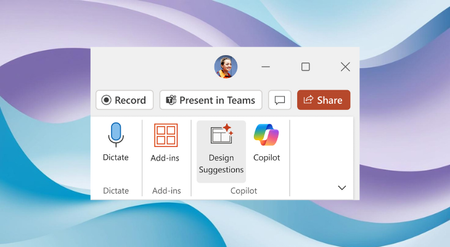
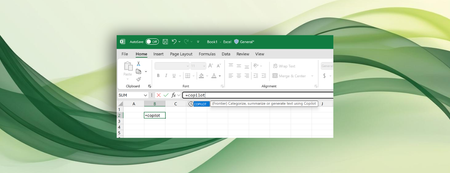
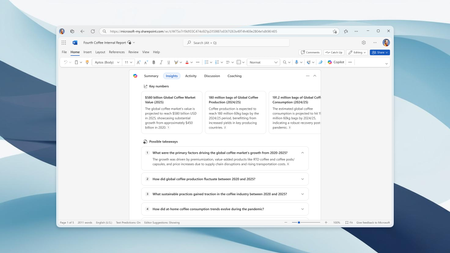
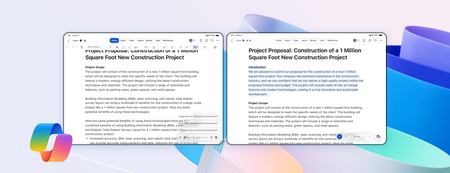
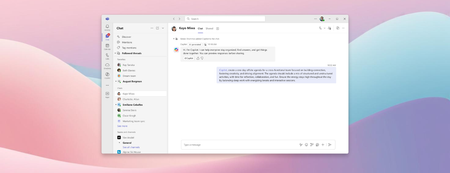
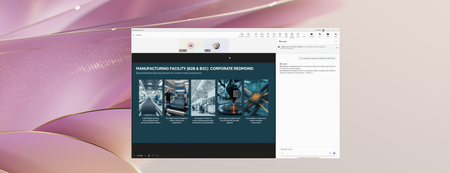
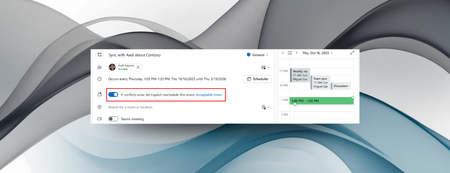
Most RecentNewest TopicsMost LikesMost ViewedDesign Suggestions: Combining the power of Designer and Microsoft Copilot in PowerPoint Elevate your presentations with a broader range of creative options -, ensuring that your slides convey information effectively but also captivate your audience visually. Shaping Copilot across Word, Excel, and PowerPoint Learn about updates we're making based on your feedback to give you more control over how Copilot appears in your favorite apps. Bring AI to your formulas with the COPILOT function in Excel Enter a natural language prompt in your spreadsheet, reference cell values as needed, and watch Copilot instantly generate AI-powered results. Co-create slides with Copilot in PowerPoint for iPad A popular feature on desktop and the web is now available in PowerPoint for iPad: the ability to co-create with Microsoft 365 Copilot directly in your presentation. More insights from Microsoft 365 Copilot in Word’s document summary Enterprise customers will soon get key insights, activity and comment highlights, and content suggestions in Word for Windows, for Mac, and for the web. Co-create documents with Copilot in Word for iPad We’re bringing a feature many of you already use on desktop, web, and mobile to Word for iPad: the ability to collaborate with Microsoft 365 Copilot directly in your document. A new way to collaborate with Copilot in Teams chats You can add Copilot to an existing Teams chat, or start a new group chat directly from a one-on-one conversation with Microsoft 365 Copilot. Stay in sync in PowerPoint Live Learn about two new features that help presenters and audiences stay aligned during live presentations. Microsoft 365 Copilot app learning series: From research to polished outputs Our latest Microsoft 365 Copilot app learning series explores how Researcher, Copilot Pages, Copilot Notebooks, and Create can support workflows. Copilot can reschedule conflicting events in Outlook You can now have Copilot in Outlook reschedule personal appointments and one-on-one meetings if a conflicting event arises that takes priority.