clipchamp
25 Topics
Sharepoint Playing a video showing as Clipchamp
Hi All, Up until about a month ago, our teams were able to play a video by double clicking on it in there sharepoint home page. Today, I have the entire team not able to play the video. The error they are getting is "This video is not supported for playback.” The permissions haven't changed for the site access, it is not using AC3 for audio or HEVC/H.265 for video. It is an MP4 video, under 125mb, and 1280 x 1020. I have tried the suggestions in this thread, but they didnt work - https://learn.microsoft.com/en-us/answers/questions/5541267/video-in-sharepoint-will-not-play If I download the video it works, If i switch to classic SharePoint, it works. Any suggestions? Thanks Mike607Views0likes2CommentsRevolutionizing Podcast Creation: Leveraging Microsoft 365 Clipchamp's Text-to-Speech Technology
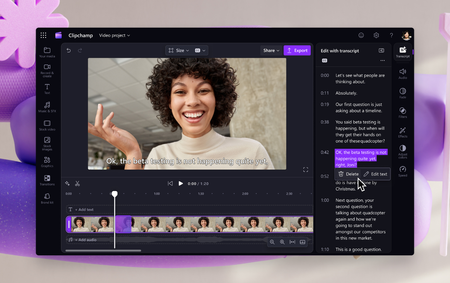
In this Show Me How video I show how you can use the Text to Speech capability in Microsoft 365 Clipchamp to create compelling podcast content quickly for use in your team/department/division/org/and beyond communications.