Forum Discussion

Person-Hover-card Issue
- Oct 13, 2020
Chauc3r , Use below code to apply JSON to Created By field:
{
  "$schema": "https://developer.microsoft.com/json-schemas/sp/v2/column-formatting.schema.json",
  "elmType": "div",
  "children": [
    {
      "elmType": "img",
      "style": {
        "width": "32px",
        "height": "32px",
        "overflow": "hidden",
        "border-radius": "50%",
        "margin": "2px"
      },
      "attributes": {
        "src": "='/_layouts/15/userphoto.aspx?size=S&accountname=' + [$Author.email]",
        "title": "[$Author.title]"
      }
    },
    {
      "elmType": "span",
      "style": {
        "vertical-align": "middle",
        "margin-left": "2px"
      },
      "txtContent": "[$Author.title]"
    }
  ],
  "defaultHoverField": "[$Author]"
}
Please click Mark as Best Response if my post helped you solve your issue. This will help others find the correct solution easily. It also closes the item. If the content was useful in other ways, please consider giving it Like.

Chauc3r, Yes, $Author is internal name of Created By column and $Editor is internal name of Modified By field. So, only the single change of internal name was required.
Please consider giving a Like if my post helped you in any way. For SharePoint/Power Platform blogs, visit: Ganesh Sanap Blogs

Thanks ganeshsanap - made a real difference that!
I've got a 'Last Edited' column that is of type Person/Group, that copies the person from the 'Modified By' column (There's a flow running on create/modify item - so I check the 'Modified By' column and only run the flow if that is not me (The 'system' user)).
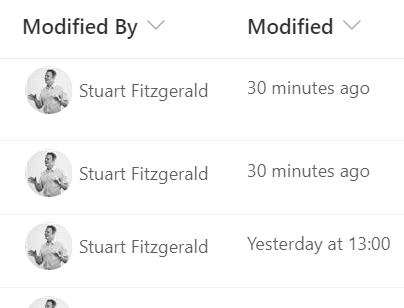
Is there anyway of displaying the stored person using a hover card? At the moment it's just showing the creator of the column (i.e. $Author - $Editor still comes up blank).
Thanks
- ganeshsanapOct 13, 2020MVP
Chauc3r, You can use the same JSON code, just replace the $Author or $Editor by the internal name of your person or group column, like: [$internal name]
You can fin the internal name of your column using below link:
Find the internal name of SharePoint column
Please click Mark as Best Response if my post helped you solve your issue. This will help others find the correct solution easily. It also closes the item. If the content was useful in other ways, please consider giving it Like.