Forum Discussion

Modern List Item UI Causes Data Loss
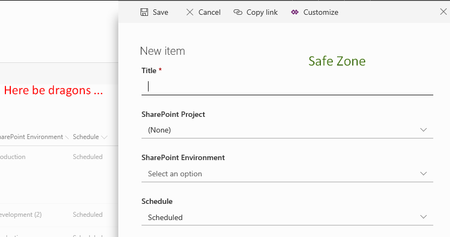
 DeletedMar 06, 2018Ideally, if it was possible. An event that when that screen closes you get a prompt to save your changes, or at least some way when you click new again the previous box showed back up where you left off.

Rob Ellis wrote:
I've got a similar issue with one customer, where they edit a list item - changing 2 values, but the item is actually updated twice - so a SharePoint Designer workflow runs twice, resulting in a duplicate email notification. They only noticed it when they moved from Classic to Modern.
I think I've heard of that ... does using the "edit all" button help? It opens all the fields at once, still in the modern experience but instead of doing cell by cell updates, it behaves more like the classic form.

This issue is still going on I believe since I experience it since today that when opening the editor and touching a field to change it's value, two other colons loose their data. Funny it are always the same two colons loosing data and it are both Choice fields.
When I open the editor and immediately select edit all this is not happening.
Is there already a work around for this? It is quiet hard to make all contributors to the list use this solution with the edit all option, especially when they are only viewing the data and touching a field without purpose to change it.