Forum Discussion

Enabling InfoPath for SharePoint Online
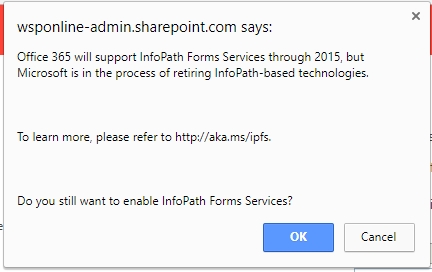

I would keep an open mind at the moment. We are in a similar position and have InfoPath fully integrated into critical business systems in Office365. We have been carefully monitoring the situation.
To be honest there is nothing out there (despite claims to the contrary) that can fully replace InfoPath and I presume this is one reason why Microsoft have slowed down its demise. (It has been included in SharePoint Server 2019). PowerApps and Flow are not there yet.
Our policy is to replace InfoPath and we are doing this gradually. Wherever possible we are migrating to SharePoint Lists and have been successful in using Skybow to develop forms and Qdabra Form Viewer as a disaster recovery solution..
I must admit, the uncertainty around InfoPath has been extremely disruptive and Microsoft have failed miserably in handling this well with it's client base.

We have used InfoPath since its beginning and built very excellent business apps with it and SharePoint. We have also implemented PowerApss for some new applications and they seem to work fine (Not as many features and capabilities as InfoPath!)
But the biggest issue no one has raised is that PowerApps cannot be used by a guest user!! Most of our apps have the need for outside individuals to use them (Like a consultant or client). We are not going to give those people an office 365 account with our company just to use a form. We have NO such issues when using InfoPath.
Why did Microsoft do this? If they wanted us to move from InfoPath to PowerApps then let us provide for guest users also.