Forum Discussion

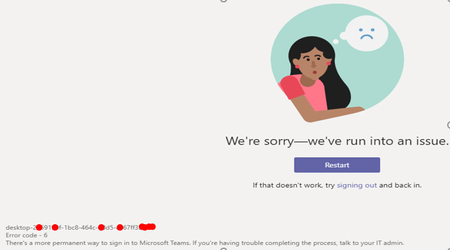
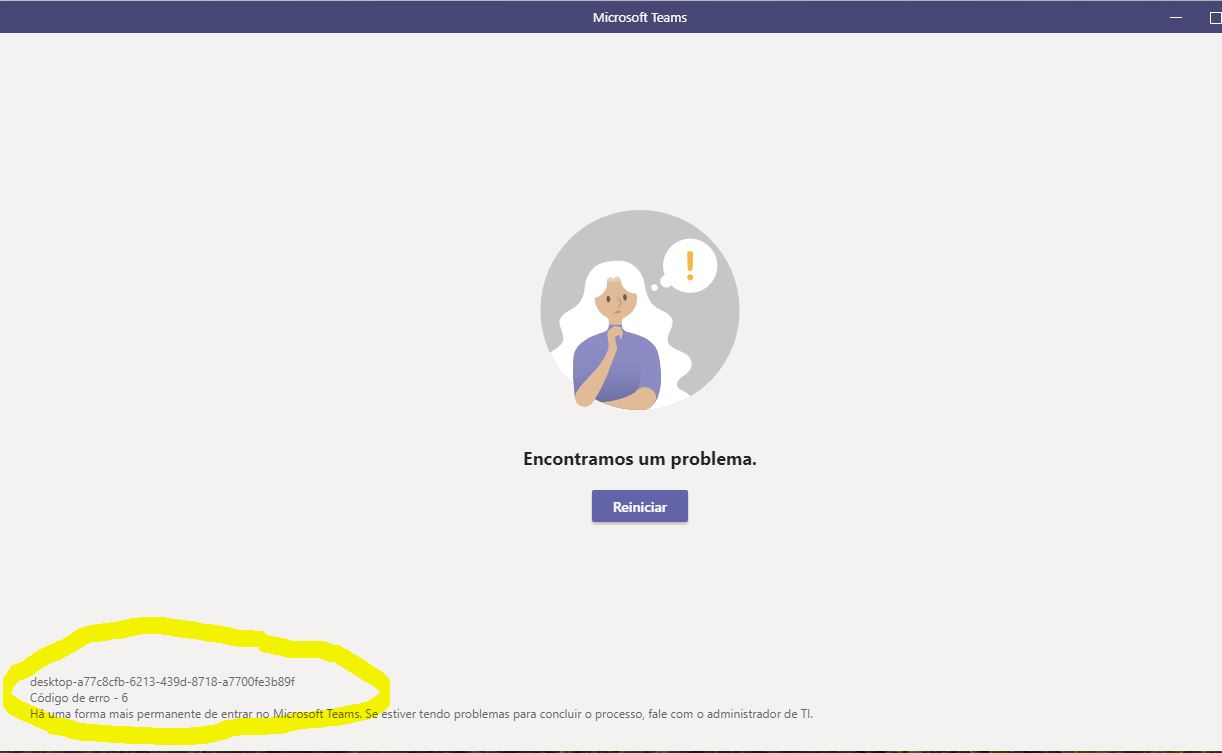
Teams error code - 6
 Oct 14, 2019
damnit95 May I know what was the issue, I am also having the same with one of my user

SamK50 Hello, I would like to know what procedures you performed to correct this error code 6 problem. In my case Teams is used in an educational institution, with a network domain fixed on the computers. Thankz

robsonguimaraeshere is a script to clrea TEams cache maybe it will solved your issue
start-transcript "C:\temp\ClearTeamsCache.log"
# get Teams process
$Teams = Get-Process Teams -ErrorAction SilentlyContinue
if ($Teams) {
do {
$Teams | Stop-Process -Force
}while (!$Teams.HasExited)
}
$env:appdata
Try{
#Remove-Item "$env:appdata\Microsoft\teams\application cache\cache\*" -Recurse
Remove-Item "C:\Users\*\AppData\Roaming\Microsoft\teams\blob_storage\*" -Recurse
Remove-Item "C:\Users\*\AppData\Roaming\Microsoft\teams\Cache\*" -Recurse
Remove-Item "C:\Users\*\AppData\Roaming\Microsoft\teams\databases\*" -Recurse
Remove-Item "C:\Users\*\AppData\Roaming\Microsoft\teams\GPUcache\*" -Recurse
Remove-Item "C:\U*\*\AppData\Roaming\Microsoft\teams\IndexedDB\*.ldb" -Recurse
Remove-Item "C:\Users\*\AppData\Roaming\Microsoft\teams\Local Storage\*" -Recurse
Remove-Item "C:\Users\*\AppData\Roaming\Microsoft\teams\tmp\*" -Recurse
}
Catch{
Write-Host "Failed"
}
Stop-Transcript
- robsonguimaraesJan 05, 2021Copper Contributor
damnit9530 Thanks for the guidance, but I decided otherwise. In the internet options accessing through the internet explorer browser, I went to the "advanced" tab, and in the list of settings that appears, unchecked the options "check for signatures in downloaded programs", and "check for revoked certificates from the supplier" more at the end of this list, and clicked OK to save the change. Since I use Teams in a firewall-controlled environment, these options probably block your access. Sorted out!
