Forum Discussion

Reorder cells when dragging and replacing
- Jul 16, 2021
Here is a suggested solution with VBA.
Sample file is included.
I would be happy to know if I could help.
NikolinoDE
I know I don't know anything (Socrates)
* Kindly Mark and Vote any reply if it helps please, as it will be beneficial to more Community members reading here.


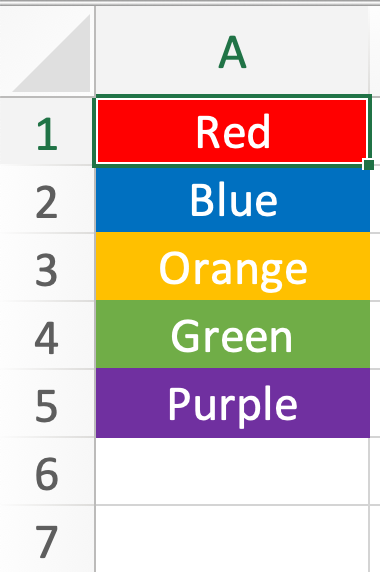
I figured that I need to replace A1 with A6 and then click a button.
Neat solution. Thanks!
- NikolinoDEJul 16, 2021Platinum Contributor
Here again with an additional button for moving lines.
You can choose the order of the buttons as you wish :).
I also wish you a lot of fun with Excel.
Thank you
Nikolino
The more I know, the more I realize that I don't know anything.
(Albert Einstein freely based on Socrates)
- perathebirdJul 16, 2021Copper ContributorThanks!
BTW, Is it possible to automatically delete 1st row when reordering?
When A1 is moved to A6 to automatically delete empty 1st row, without any button?- NikolinoDEJul 16, 2021Platinum Contributor
Is that what you mean?
In the file the example with the button "Swap 2 lines with dell empty cell"
Hope I was able to satisfy you with it.
Thx
NikolinoDE
What speaks against doing something good when nobody is looking?