Forum Discussion

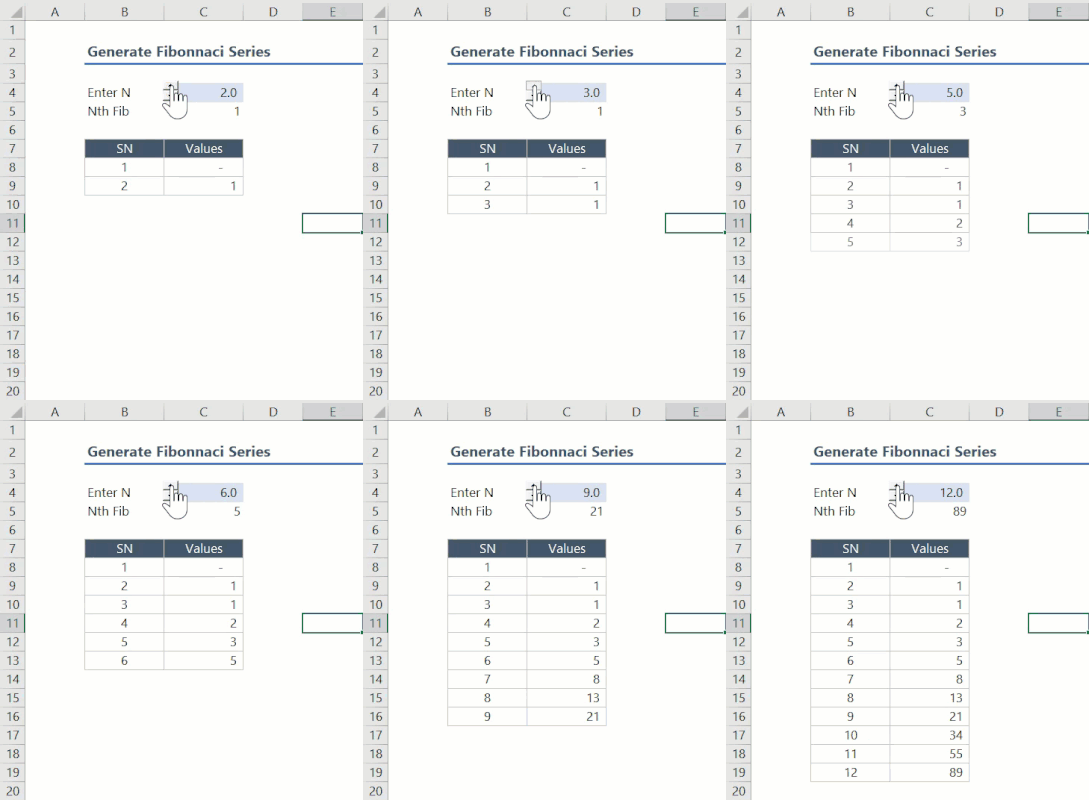
Lambda Example: Generate Fibonacci series

PeterBartholomew1 not a problem at all, indeed your approach is very interesting too. I realized that the problem of numerical precision is affecting not just the Binet formula, but also the initial approach I provided in my post (formula 2). Check my reply to lori_m. Using the REDUCE approach starts to fail for getting the 74th Fibonacci number, even it involves just additions. Have you tested your formula for this number or greater than this one?, unless the Python algorithm is also wrong, but it involves just additions too.

I worked on the assumption that the integer calculation was exact until I reached 15 significant digits after which Excel does not report the desired precision so the numbers returned are only approximations. The approximation will become larger as one proceeds.
- davidlealApr 13, 2023Iron Contributor
PeterBartholomew1 Thanks, that is the issue, then it is a limitation for any solution starting from 74 Fibonacci numbers because it has 16 digits. The reason the Binet formula doesn't get the correct result is not its own calculation, but rather the reason you mentioned: https://learn.microsoft.com/en-us/office/troubleshoot/excel/floating-point-arithmetic-inaccurate-resultso if that limitation affects all possible formulations, then per my understanding from this post, the Binet formula is the best approach in Excel to get a Fibonacci number up to 73 and therefore any series of Fibonacci numbers in Excel is accurate only up to that number. For numbers greater than 73 Excel is not a good approach.
- mtarlerApr 14, 2023Silver Contributor
davidleal ok so this is probably NOT the most efficient but I created a BigAdd LAMBDA function to handle these big numbers correctly:
BigAdd = LAMBDA(A, B, [c], let(cc, if(isomitted(c),0,c),
            if((len(a)>14)+(len(b)>14),
            let(lowadd, right(a,14)+right(b,14)+cc,
              ccc, if(len(lowadd)>14,1,0),
              aaa, if(len(a)>14,left(a,len(a)-14),0),
              bbb, if(len(b)>14,left(b,len(b)-14),0),
              bigadd(aaa,bbb,ccc)
              & right(lowadd,14)&""),
            (a+b+cc)&"")))
I then used that BigAdd in a simple REDUCE - LAMBDA function and it seems to work:
=CHOOSECOLS(REDUCE({1,1},SEQUENCE(A1),LAMBDA(p,q,
    LET(prev, CHOOSEROWS(p,-1),
       VSTACK(p, HSTACK( CHOOSECOLS(prev,-1), BigAdd(INDEX(prev,1),INDEX(prev,2)))))))
  ,1)
I'll leave it to you to see if using this BigAdd or similar concept can be used in the other approach(s)
- davidlealApr 14, 2023Iron Contributor
mtarler thanks. if works to obtain the exact result in text format for 74th Fibonacci number, for example:
=BigAdd(FIBO(72),FIBO(73)) -> 1304969544928657it serves for testing purposes, the formula calculates the exact result, but Excel shows the result replacing all digits after 15th with zeros. Thanks!
