Forum Discussion

karol polubinski
May 28, 2018Brass Contributor
Freezing rows in the middle of a work sheet
I have a problem with my work sheet. the First 35 lines are data that is not needed to freeze, but there is that date row which I need to freeze, only that. Since the list is very long over 2000 ro...
 Feb 03, 2021
karol polubinski Took me a while to figure this one out too. You want to select the row that is directly BELOW the data row you want to actually "freeze", and select "freeze pane". Sounds counterintuitive, I know. But it works.

karol polubinski
May 29, 2018Brass Contributor
Hi there tried it,
It is not selecting what I need I just have one line of row that needs to be frozen.
It is freezing the whole top row as well
example from A12 to a 36 needs to be static the rest can go while scrolling down or up.

John Jairo Vergara Domínguez
May 29, 2018Brass Contributor
Hi, again!
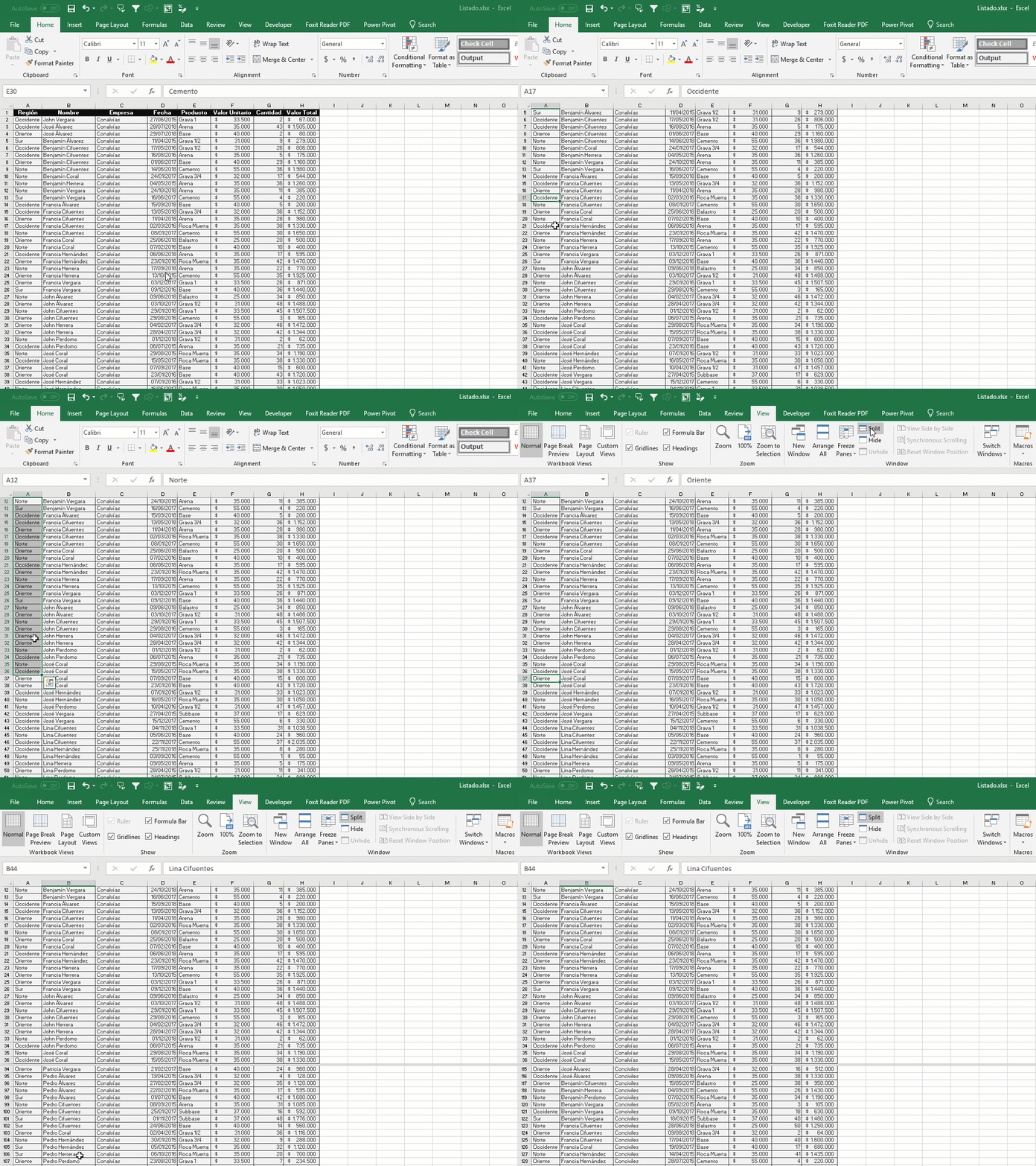
Check this gif with split working. Blessings!