Forum Discussion

RichL579
Oct 13, 2022Copper Contributor
Excel hanging with HIGH cpu usage trying to copy and insert rows.
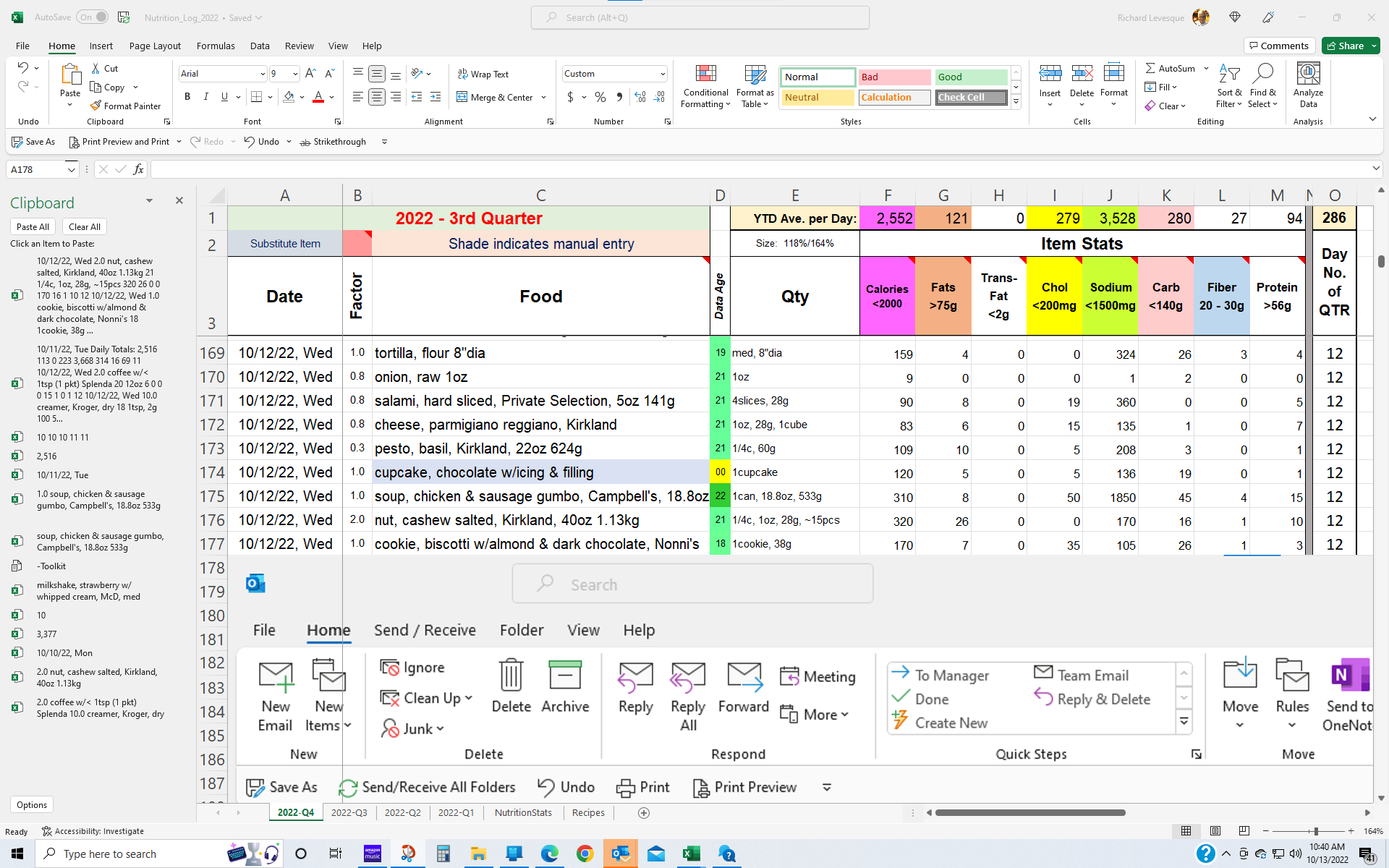
Excel continues to show HIGH cpu utilization when I try to copy and insert rows or columns. See screen shots attached. it has been doing this for a long time (over 1 yr.) and I've reinstalled Out...



Patrick2788
Oct 13, 2022Silver Contributor
It appears Edge WebView is used to render visuals for Office add-ins:
https://devblogs.microsoft.com/microsoft365dev/microsoft-edge-webview-for-office-add-ins/
Do you happen to run any Office add-ins (Not Excel or COM Add-ins)?
https://devblogs.microsoft.com/microsoft365dev/microsoft-edge-webview-for-office-add-ins/
Do you happen to run any Office add-ins (Not Excel or COM Add-ins)?
 RichL579Oct 13, 2022Copper ContributorNot that I know of. In fact, I don't even know what Office or COM add-ins are. Can I inadvertently trigger such an add-in?
Now when I load the sprdsht it takes several seconds to load. I'm just about to do a Safe Mode open on the sprdsht to see what it shows.- RichL579Oct 13, 2022Copper ContributorBTW, thanks for the info!
- RichL579Oct 15, 2022Copper ContributorJust ran Excel in safe mode. Still took several seconds to load. Task manager showed 50+% cpu and 95+% memory utilization. This lasted a couple minutes then it populated the Inspection Results Errors screen and the app HUNG there and is still hung but now cpu ~30% & memory ~50% but the app has been hung now for over 20 mins. See screen shots. Is there some way to determine what is causing this? The Errors reported, because the screen is frozen, cannot be accessed.
Sorry cannot attach screen images.