Forum Discussion

Annoying Chart Pop-Up window I can't get rid of
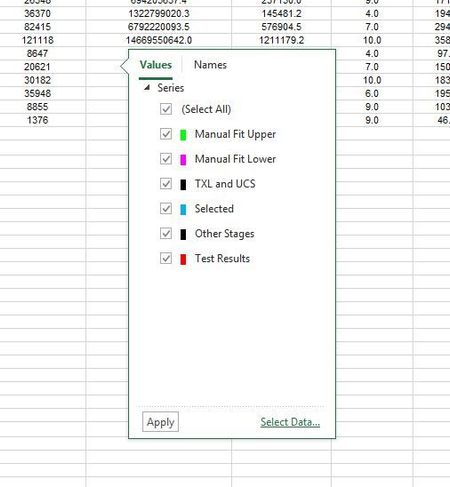

JimP445 after years of dreading when this pop up will show up, for the first time I am hoping it shows up so I can try your solution!
I am still confused about why Microsoft does not do one of 2 things
1. Add a Windows control to close the pop-up like and "x" - this using of "+" instead of "x" is inconsistent.
2. Remove the code that creates this pop-up since it serves no purpose and is extremely irritating when it occurs and follow up across multiple worksheets in a spreadsheet.

1. An x in the top corner would be redundant, since you can just click the icon corresponding to the flyout to make it go away. If the flyout isn't connected to a chart on the active sheet, click any chart, then click the corresponding icon for that chart, and the flyout will go away (for now).
2. The plus icon does serve a purpose: to add (or modify) chart elements. It is much more convenient than having to go to the ribbon or task pane.