Forum Discussion

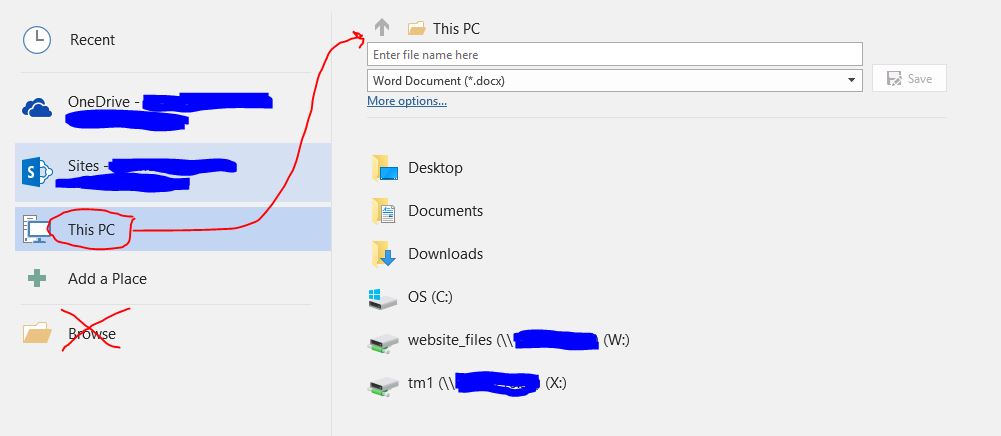
Word 365 - Randomly unable to browse folders and save docx files
 Nov 15, 2018
Caused by a hidden add on called Seiko (SII) Smart Label Printer software.
It didn't do much, but affected Word.
Uninstalled the add on parts of the software and the error has gone.

I hope you are well.
As I recall, this is a known issue and should be resolved if your users upgrade to 1803 where new software will correct the problem.
Here's some links to others who were experiencing a similar issue so you know that you are not alone:
Hope that helps!
Cheers
Damien
Thanks for the suggestion Damien_Rosario.
Sorry for the delayed response.
We had already upgraded some to 1803 and it still occurs.
Also we don't get a "Document not saved" prompt - nothing happens.
- Damien_RosarioOct 21, 2018Silver Contributor
Doesn't sound great. Not sure what is causing your issue as 1803 would have also updated the OneDrive client.
I would suggest that you log a ticket with Microsoft Support and see if they can help to resolve the issue.
It sounds like something that may be beyond our ability to fix here.
Cheers & best wishes
Damien