Forum Discussion

x315307
May 13, 2025Copper Contributor
select multiple pictures with pointer to format
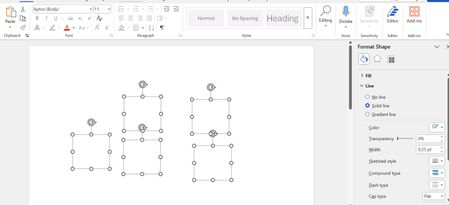
Pictures on a blank document can be selected 1-by-1 using ctrl+mouse pointer. In this way the Shape Format menu appears and I can change outline and other things. If I use ctrl+A or the pointer ...

Stefan_Blom
May 15, 2025MVP
To select multiple shapes, you will have to use Ctrl + click (assuming that the Text Wrapping for each shape is something other than "In line with text"). Once you have done that, you can Group the shapes to treat them as a single unit for the purpose of setting their properties.
Ctrl+A can only be used to select the text. For example, you can select the text in the main body of the document. If the insertion point is inside the text area of a shape, Ctrl+A will select the text content of the shape. Similarly, if the insertion point is inside a header, Ctrl+A will select the content of that header.