Forum Discussion

Windows 11 Why do my Bluetooth headphones keep cutting out randomly?
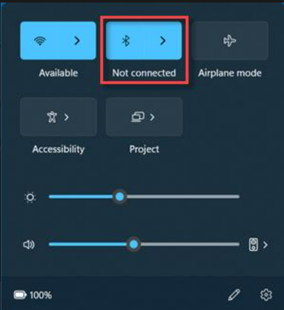

Hey — because the headphones behave on your phone, I’d focus on the PC’s Bluetooth radio, power saving, and 2.4 GHz interference.
First install the Bluetooth and chipset/Wi-Fi drivers from the PC manufacturer, not only Device Manager. Remove the headphones from Bluetooth settings, reboot, and pair them again. In Device Manager, open the Bluetooth adapter’s Power Management tab if present and clear “Allow the computer to turn off this device to save power.” Also test with Wi-Fi on 5 or 6 GHz, move USB 3 devices/dongles away from the Bluetooth antenna, and disable audio enhancements for the headset.
If Teams or another calling app is open, check whether Windows is switching between the stereo and hands-free profiles; that can sound like interruptions. Does it happen with locally played audio too, or only during calls/streaming?